RFID Reader EM18 Interface with PIC18F4550
EM18 RFID reader module is used to read 125 kHz RFID card wirelessly for a very short distance. It is generally used in applications like attendance system, access management, tracking of goods, etc.
Overview of RFID
EM18 RFID reader module is used to read RFID cards that work at 125 kHz.
When an RFID card comes in the range of the reader, the unique data in the card is received by the reader in the form of an RF signal.
The reader then transmits this data in byte form on its serial transmit pin.
This data can be read by a microcontroller using USART communication or can be viewed on the PC terminal.
For more information on the EM18 RFID reader and how to use it, refer to the topic RFID Reader EM18 in the sensors and modules section.
For information on USART in PIC18F4550 and how to use it, refer to the topic on USART in PIC18F4550 in the PIC inside section.
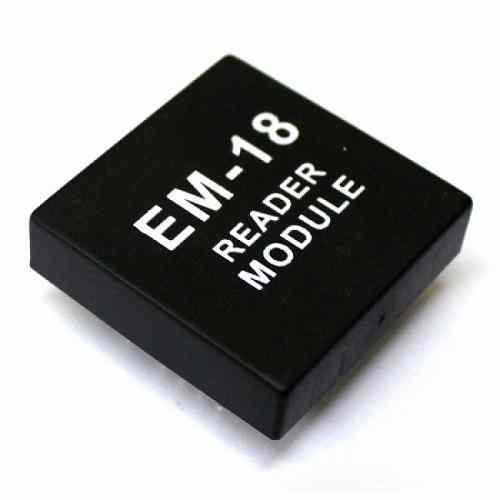
Connection Diagram of RFID EM-18 to PIC18F4550
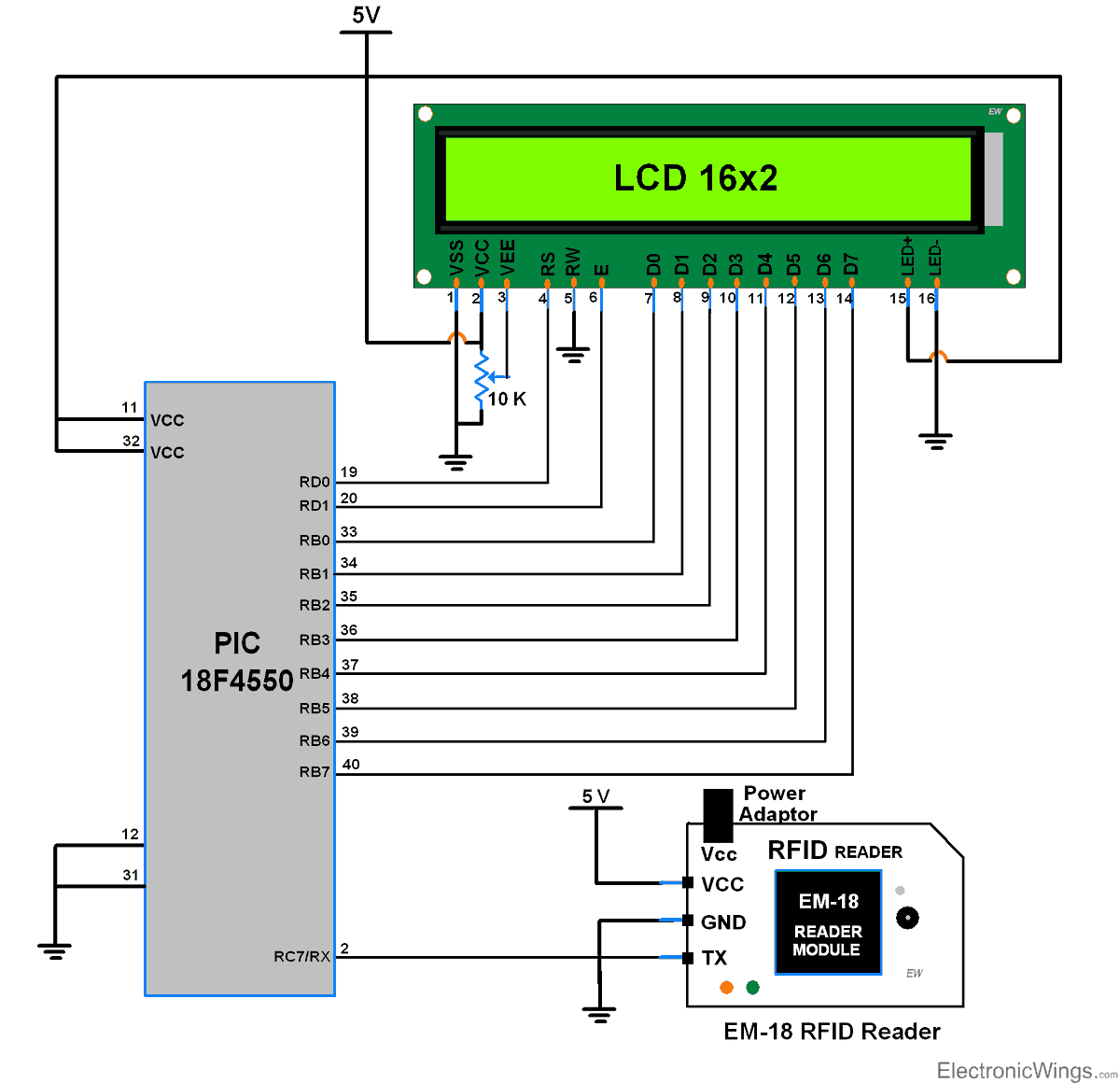
Read RFID EM-18 using PIC18F4550
Read the RFID tags using an EM-18 RFID reader and send this data serially to the PIC18F4550 microcontroller. Then, display the 12 Byte unique ID on the LCD16x2 display.
RFID EM-18 Code for PIC18F4550
- Initialize USART communication.
- Initialize the LCD16x2 display.
- Now, wait for 12-byte to receive and then display it on LCD16x2.
Program
/*
 * 125 kHz RFID interface with PIC18F4550
 * http://www.electronicwings.com
 *
 */


#include <string.h>
#include <stdio.h>
#include <pic18f4550.h>
#include "Configuration_Header_File.h"
#include "LCD_16x2_8-bit_Header_File.h"
#include "USART_Header_File.h"
void main(void)
{
    unsigned char i;
    unsigned char ID[13];
    OSCCON=0x72;       /* select internal oscillator freq = 8 Mhz */
    LCD_Init();        /* initialize LCD16x2 */
    USART_Init(9600);  /*initialize USART Communication with 9600 baud rate */
    memset(ID,0,13);
    LCD_String_xy(0,0,"RFID: ");
    while(1)
    {
        for(i=0;i<12;i++)
        {
            ID[i]=USART_RxChar();  /* Receiving Data and Storing it in data_in */
        }
        LCD_String_xy(1,0,ID);     /* Send Received data to LCD */
        memset(ID,0,13);
    }
}
Video of RFID Reader EM-18 using PIC18F4550
Components Used
Powered by
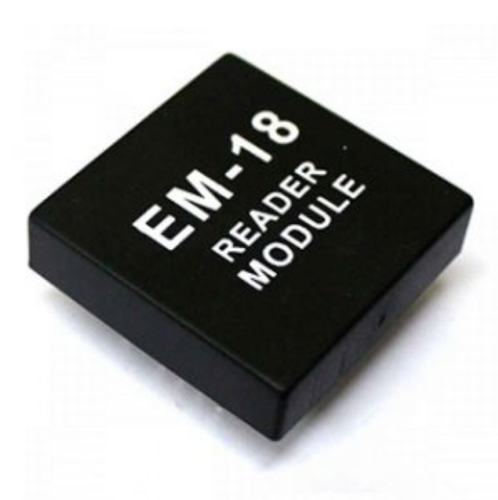
RFID Reader EM18
× 1EM18 RFID reader module is used to read 125 kHz RFID card wirelessly for a very short distance. It is generally used in applications like attendance system, access management, tracking of goods etc.
Downloads
Comments13
Join the discussion — share a question or tip.
- RA
could you please provide the proteus file for this rfid reader em18 project
- AR
sorry pcb layout
- AR
can you give us the pcb design of this but we dont want the lcd part instead of that a single buzzer
- TA
my code is not working because I can't include #include "Configuration_Header_File.h" #include "LCD_16x2_8-bit_Header_File.h" #include "USART_Header_File.h" these line.......whats wrong with my code???
- SS
What version of XC8 and IDE did you use for this project? I can't seem to get it to build properly using the newest version of XC8 v2.05 and IDE v5.10. Would it be possible for you to update the code?
- SS
Replying to @lokeshc
Well here they are. When I click on the errors towards the bottom they take me to the make file. LCD_16x2.c:21:: warning: (520) function "_LCD_Clear" is never called USART_Source_File.c:20:: warning: (520) function "_USART_TxChar" is never called USART_Source_File.c:40:: warning: (520) function "_USART_SendString" is never called RFID.c:19:: warning: (1518) direct function call made with an incomplete prototype (LCD_Init) RFID.c:27:: warning: (1518) direct function call made with an incomplete prototype (USART_RxChar) USART_Source_File.c:34:: warning: (1518) direct function call made with an incomplete prototype (_NOP) :0:: error: (499) undefined symbol: nbproject/Makefile-default.mk:169: recipe for target 'dist/default/production/Try2.X.production.hex' failed nbproject/Makefile-default.mk:90: recipe for target '.build-conf' failed nbproject/Makefile-impl.mk:39: recipe for target '.build-impl' failed make[2]: *** [dist/default/production/Try2.X.production.hex] Error 1 make[1]: *** [.build-conf] Error 2 make: *** [.build-impl] Error 2
- SS
Replying to @lokeshc
It actually worked thanks! I am not sure what the "&amp" was supposed to do since I did not include that, and when I did, it gave me errors. The RFID reader I am using communicates through UART not USART. How could I modify the existing code to have it work? Or do you think that it should work anyway since you declared a baud rate of 9600?