Nokia5110 graphical display interfacing with AVR ATmega16/ATmega32
Nokia5110 is a 48x84 dot LCD display with Serial Peripheral Interface (SPI) Connectivity. It was designed for cell phones, also used in embedded applications.
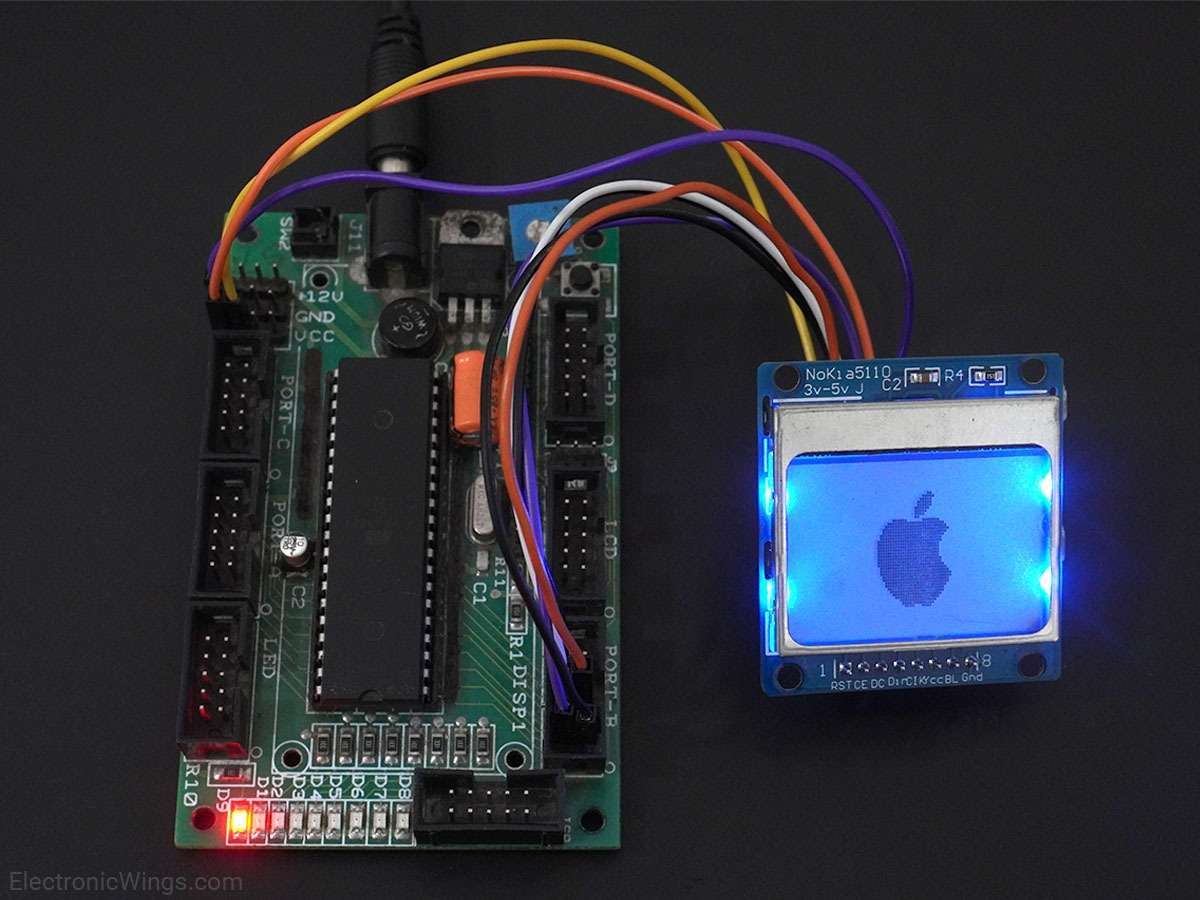
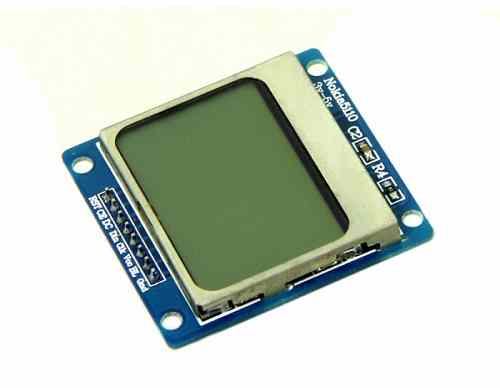
Overview of Nokia5110 Display
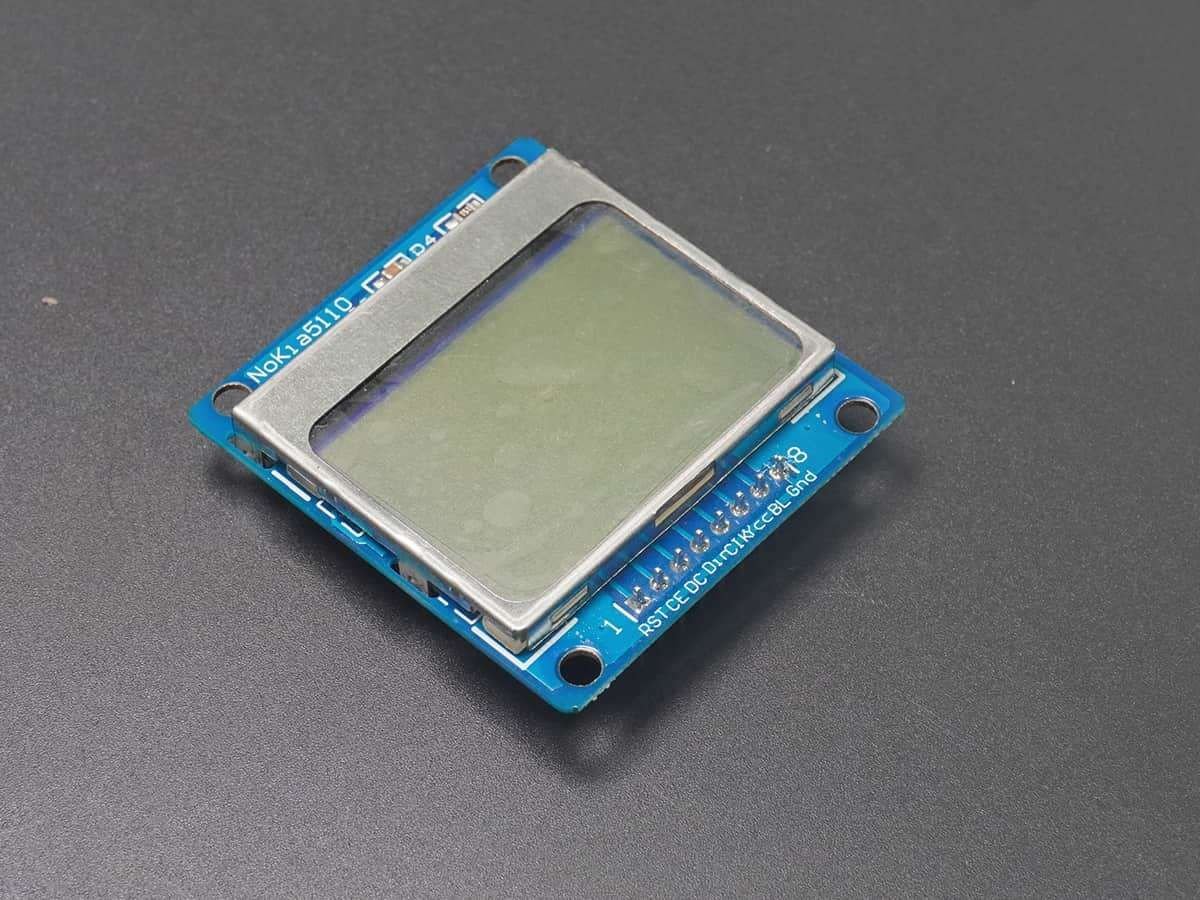
Nokia5110 is a graphical display that can display text, images, and various patterns.
It has a resolution of 48x84 and comes with a backlight.
It uses SPI communication to communicate with a microcontroller.
Data and commands can be sent through a microcontroller to the display to control the display output.
It has 8 pins.
For more information about the Nokia5110 display and how to use it, refer to the topic Nokia5110 Graphical Display in the sensors and modules section.
For information on SPI in ATmega 16, refer the topic on SPI in AVR ATmega16/ATmega32 in the ATmega inside section.
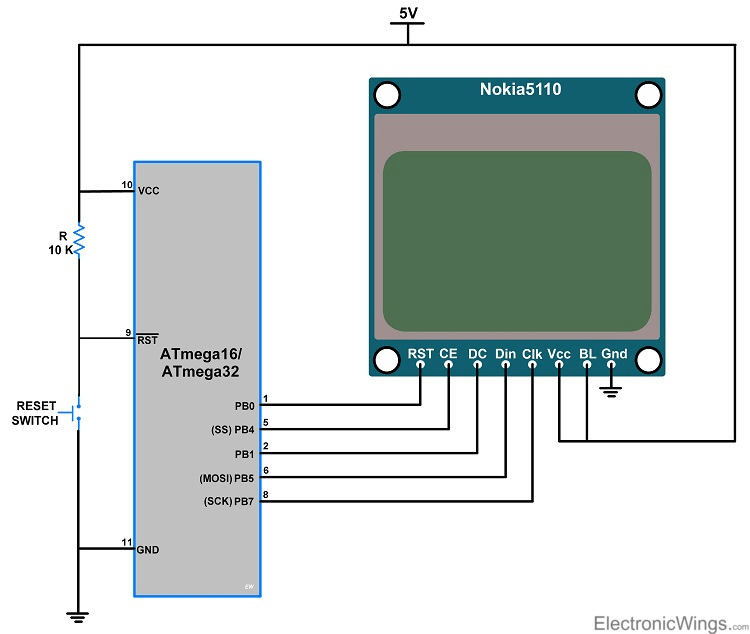
Connection Diagram of Nokia 5110 Display with ATmega16/32
- The following circuit diagram shows the complete interfacing of Atmega16 / 32 to the nokia5110 display.
- The pin connection is, reset pin of display is connected to the PB0 pin, CE is connected to SS(PB4) pin, DC is connected to the PB1 pin, Din is connected to MOSI(PB5) pin, clk is connected to SCLK(PB7) pin of the microcontroller.
Display Text and Images on Nokia5110 Display using Atmega16/32
- In the coding, the first step is to initialize the SPI_Master_H_file.h library and N5110.h header files.
- SPI_Master_H_file.h file contains the definition of SPI initialization.
- N5110.h file contains all the characters and symbols array definition.
Initialization of Nokia5110
- In the initialization of the Nokia5110, the first step is to reset the display by sending low to high pulse to the reset pin.
- Send command 0x21H to set the command in additional mode (H=1).
- Then set VOP=5V by sending the command 0xC0H.
- Set the temp. coefficient to 3 by sending 0x07H.
- Set the voltage bias system using the 0x13 command, it is recommended for n=4 and 1:48 mux rate.
- Send the command 0x20 for basic mode operation (H=0).
- And then send 0x0C for normal mode operation.
void N5110_init()
{
	N5110_Reset();  /* reset the display */
	N5110_Cmnd(0x21);  /* command set in addition mode */
	N5110_Cmnd(0xC0);  /* set the voltage by sending C0 means VOP = 5V */
	N5110_Cmnd(0x07);  /* set the temp. coefficient to 3 */
	N5110_Cmnd(0x13);  /* set value of Voltage Bias System */
	N5110_Cmnd(0x20);  /* command set in basic mode */
	N5110_Cmnd(0x0C);  /* display result in normal mode */
}
Command write function
- For command, operation makes DC pin low.
- Enable the slave select pin.
- Send the command on the SPI data register.
- Then the DC pin is enabled for data operation.
- Disable the slave select pin.
void N5110_Cmnd(char DATA)
{
	PORTB &= ~(1<<DC);	/* make DC pin to logic zero for command operation */
	SPI_SS_Enable();	/* enable SS pin to slave selection */
	SPI_Write(DATA);	/* send data on data register */
	PORTB |= (1<<DC);	/* make DC pin to logic high for data operation */
	SPI_SS_Disable();
}
Data write function
- For data, operation makes DC pin high.
- Enable the slave select pin.
- Send the data on the SPI data register.
- Disable the slave select pin after sending the data.
void N5110_Data(char *DATA)
{
	PORTB |= (1<<DC);	/* Set DC pin for data operation */
	SPI_SS_Enable();	/* Enable SS pin to slave selection */
	int lenan = strlen(DATA);/* Measure the length of data */
	for (int g=0; g<lenan; g++)
	{
		for (int index=0; index<5; index++)
		{
			SPI_Write(ASCII[DATA[g] - 0x20][index]);/* Send the data on data register */
		}
		SPI_Write(0x00);
	}
	SPI_SS_Disable();
}
Hello world Code for Nokia5110 Display using ATmega16/32
Printing Hello World on Display
/*
   Nokia Display N5110 Interfacing with ATmega 16
   http://www.electronicwings.com
*/

#define F_CPU 8000000UL
#include <avr/io.h>
#include <util/delay.h>
#include <string.h>
#include "SPI_Master_H_file.h"
#include "N5110.h"

void N5110_Cmnd(char DATA)
{
	PORTB &= ~(1<<DC);  /* make DC pin to logic zero for command operation */
	SPI_SS_Enable();  /* enable SS pin to slave selection */
	SPI_Write(DATA);  /* send data on data register */
	PORTB |= (1<<DC);  /* make DC pin to logic high for data operation */
	SPI_SS_Disable();
}

void N5110_Data(char *DATA)
{
	PORTB |= (1<<DC);  /* make DC pin to logic high for data operation */
	SPI_SS_Enable();  /* enable SS pin to slave selection */
	int lenan = strlen(DATA);  /* measure the length of data */
	for (int g=0; g<lenan; g++)
	{
		for (int index=0; index<5; index++)
		{
			SPI_Write(ASCII[DATA[g] - 0x20][index]);  /* send the data on data register */
		}
		SPI_Write(0x00);
	}
	SPI_SS_Disable();
}

void N5110_Reset()  /* reset the Display at the beginning of initialization */
{
	PORTB &= ~(1<<RST);
	_delay_ms(100);
	PORTB |= (1<<RST);
}

void N5110_init()
{
	N5110_Reset();  /* reset the display */
	N5110_Cmnd(0x21);  /* command set in addition mode */
	N5110_Cmnd(0xC0);  /* set the voltage by sending C0 means VOP = 5V */
	N5110_Cmnd(0x07);  /* set the temp. coefficient to 3 */
	N5110_Cmnd(0x13);  /* set value of Voltage Bias System */
	N5110_Cmnd(0x20);  /* command set in basic mode */
	N5110_Cmnd(0x0C);  /* display result in normal mode */
}

void lcd_setXY(char x, char y)  /* set the column and row */
{
	N5110_Cmnd(x);
	N5110_Cmnd(y);
}

void N5110_clear()  /* clear the Display */
{
	SPI_SS_Enable();
	PORTB |= (1<<DC);
	for (int k=0; k<=503; k++)
	{
		SPI_Write(0x00);
	}
	PORTB &= ~(1<<DC);
	SPI_SS_Disable();
}

void N5110_image(const unsigned char *image_data)  /* clear the Display */
{
	SPI_SS_Enable();
	PORTB |= (1<<DC);
	for (int k=0; k<=503; k++)
	{
		SPI_Write(image_data[k]);
	}
	PORTB &= ~(1<<DC);
	SPI_SS_Disable();
}

int main()
{
	SPI_Init();
	N5110_init();
	N5110_clear();
	lcd_setXY(0x40,0x80);
	N5110_Data("ElectronicWings");
	while(1)
	return 0;
}
Image display function
void N5110_image (const unsigned char *image_data)  /* clear the Display */
{
	SPI_SS_Enable();
	PORTB |= (1<<DC);
	for (int k=0; k<=503; k++)
	{
		SPI_Write(image_data[k]);
	}
	PORTB &= ~(1<<DC);
	SPI_SS_Disable();
}
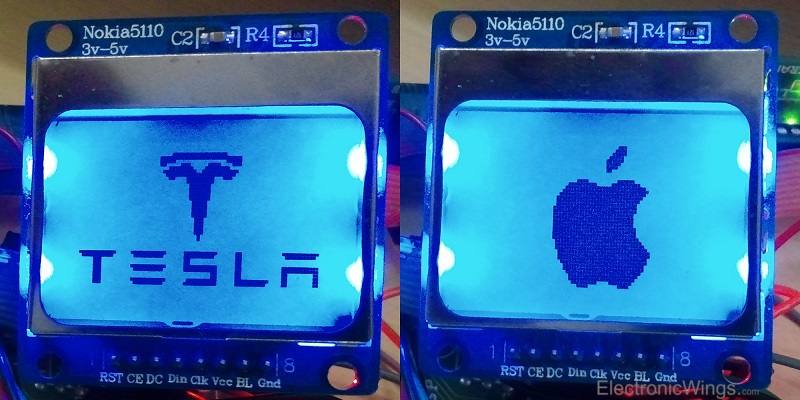
Output of Image display on Nokia5110 display using Atmega16/32
Components Used
Powered by
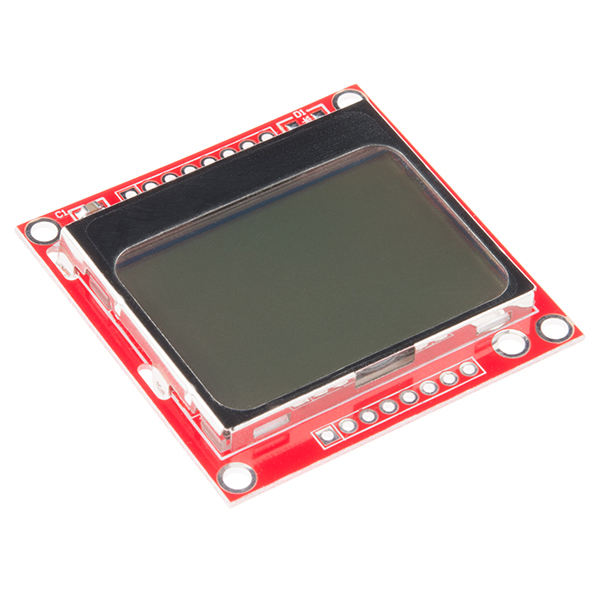
Nokia5110 is 48x84 dot LCD display with Serial Peripheral Interface (SPI) Connectivity. It was designed for cell phones. It is also used in embedded applications.
909-MOD-LCD3310
Downloads
Comments7
Join the discussion — share a question or tip.