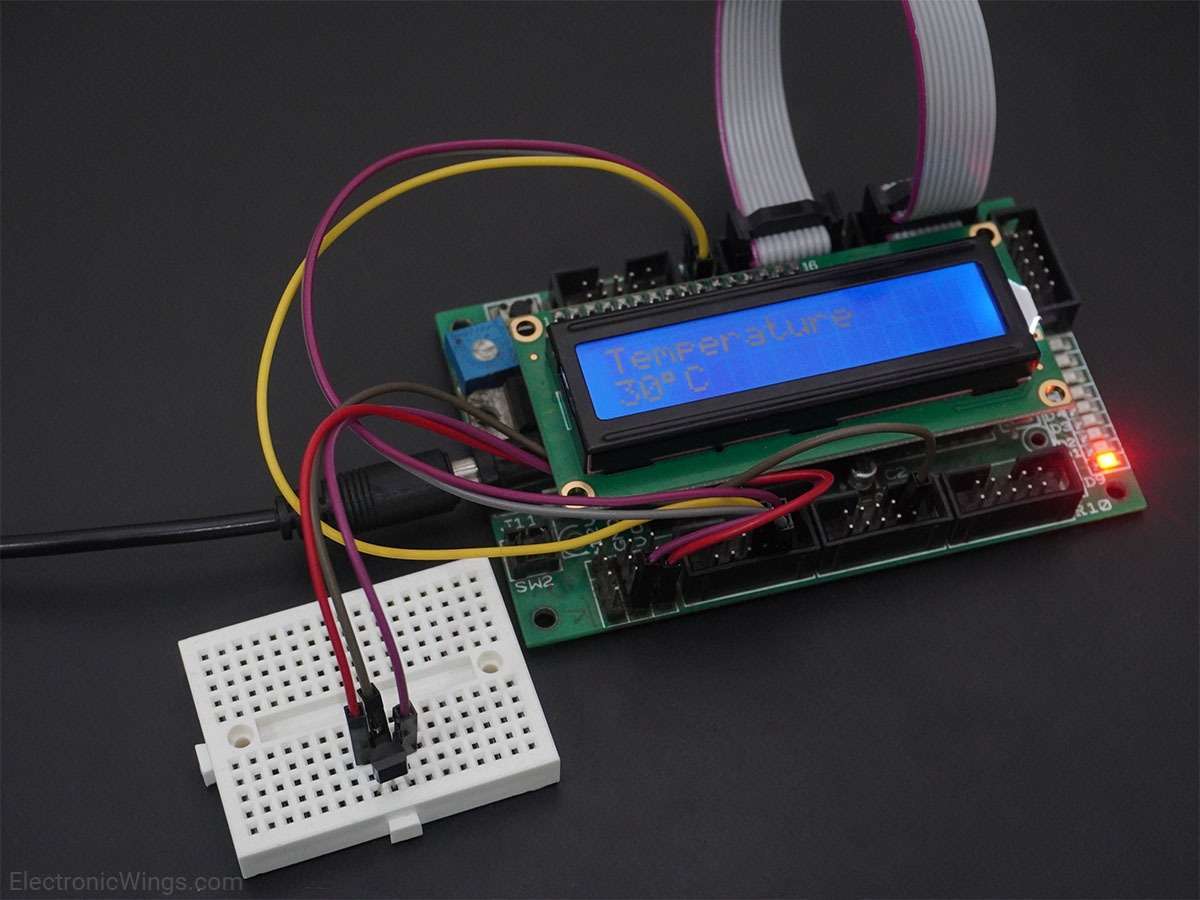
LM35 Interfacing with Arduino UNO
LM35 is a sensor which is used to measure temperature. It provides an electrical output proportional to the temperature (in Celsius).
Overview of LM35
.jpg)
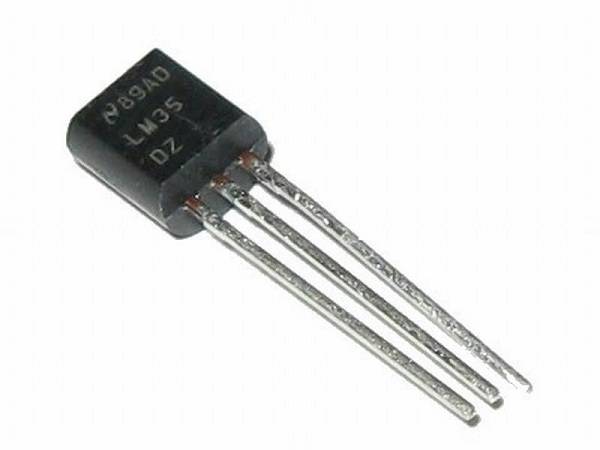
LM35 is a temperature sensor which can measure temperature in the range of -55°C to 150°C.
It is a 3-terminal device that provides analog voltage proportional to the temperature. Higher the temperature, higher is the output voltage.
The output analog voltage can be converted to digital form using ADC so that a microcontroller can process it.
For more information about LM35 and how to use it, refer the topic LM35 Temperature Sensor in the sensors and modules section.
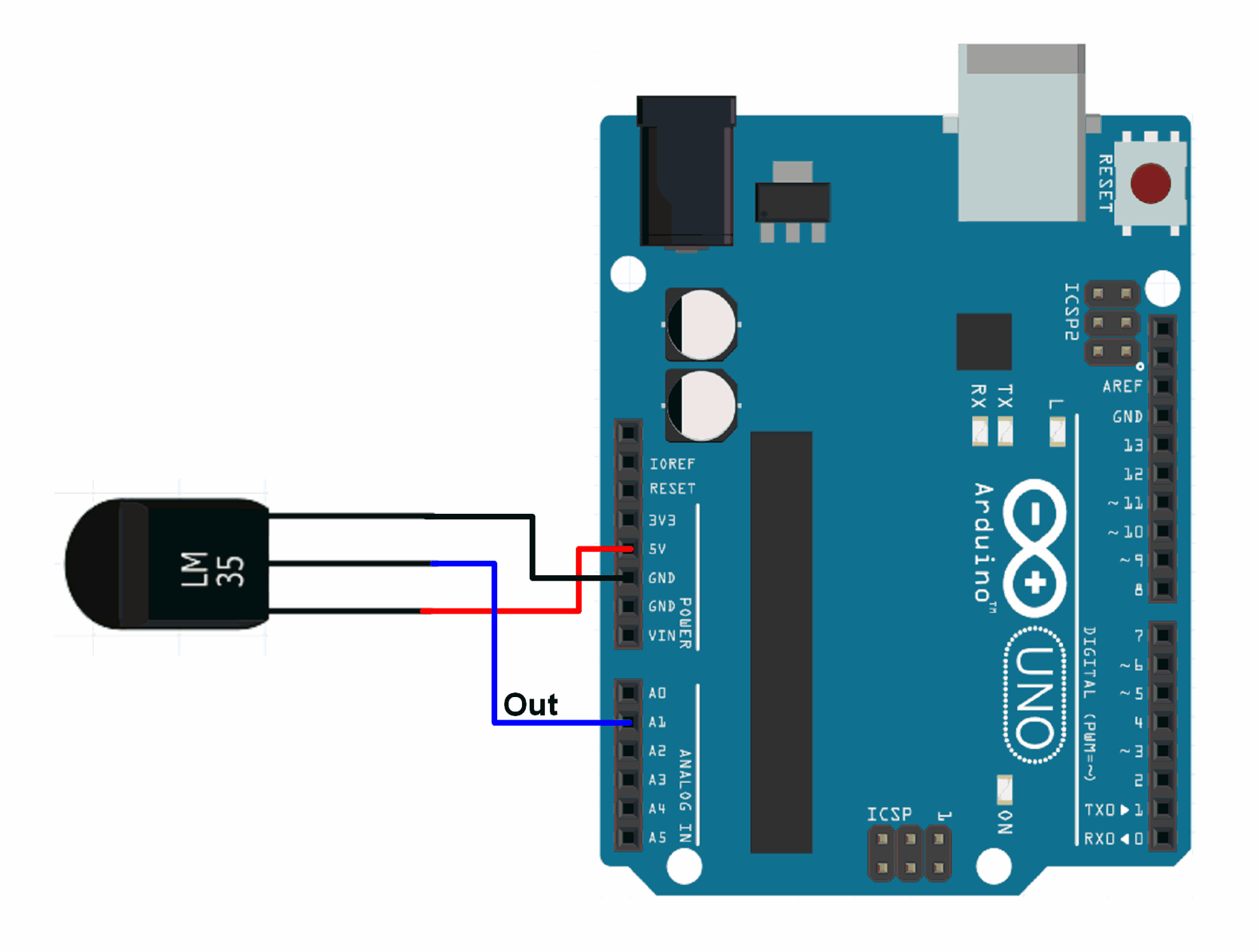
Connection Diagram of LM35 Temperature Sensor With Arduino
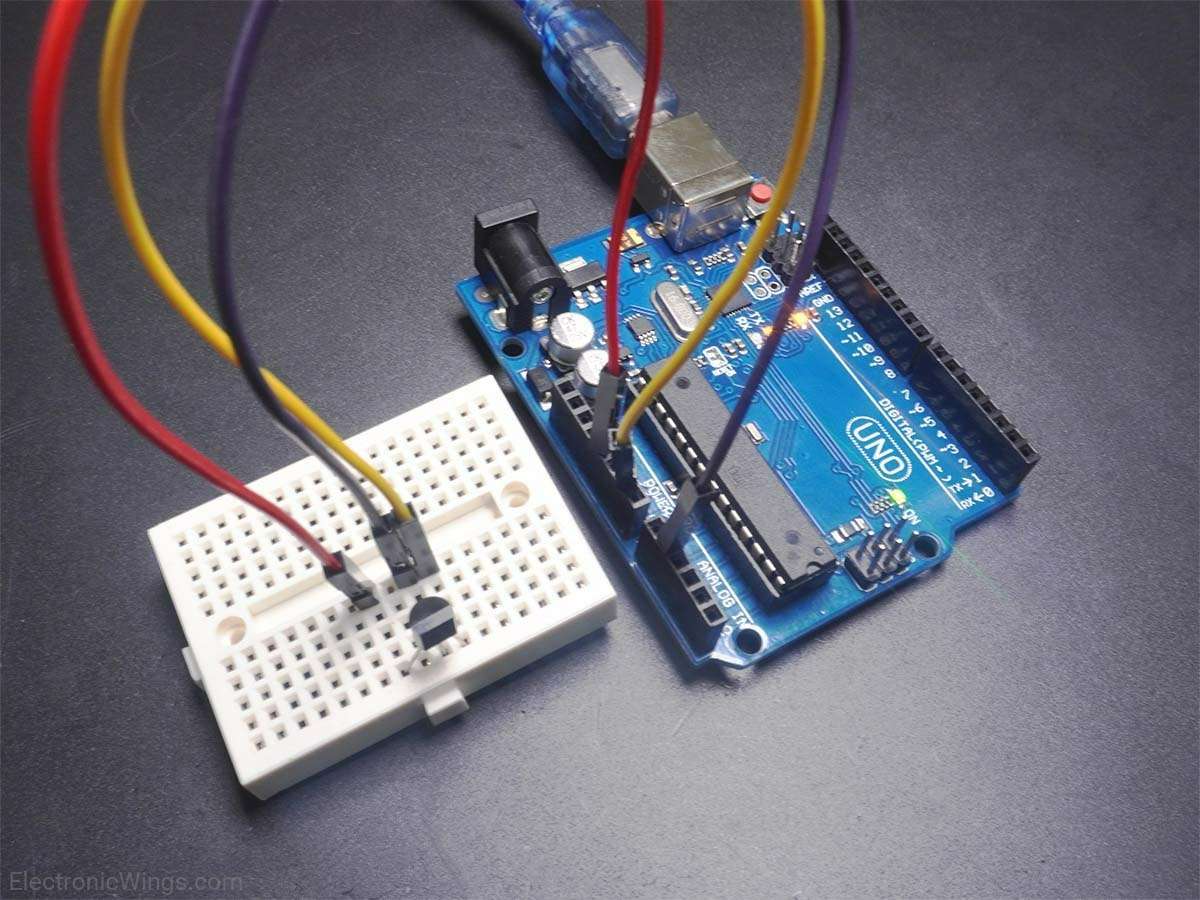
Measure Temperature using LM35 with Arduino Uno
Measuring the temperature of surroundings using LM35 and displaying it on the serial monitor of Arduino.
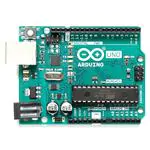
Here, LM35 output is given to analog pin A1 of Arduino UNO. This analog voltage is converted to its digital form and processed to get the temperature reading.
LM35 Temperature Sensor Code for Arduino Uno
const int lm35_pin = A1;	/* LM35 O/P pin */

void setup() {
  Serial.begin(9600);
}

void loop() {
  int temp_adc_val;
  float temp_val;
  temp_adc_val = analogRead(lm35_pin);	/* Read Temperature */
  temp_val = (temp_adc_val * 4.88);	/* Convert adc value to equivalent voltage */
  temp_val = (temp_val/10);	/* LM35 gives output of 10mv/°C */
  Serial.print("Temperature = ");
  Serial.print(temp_val);
  Serial.print(" Degree Celsius\n");
  delay(1000);
}
Video of Temperature measurement using LM35 and Arduino Uno
Components Used
Powered by
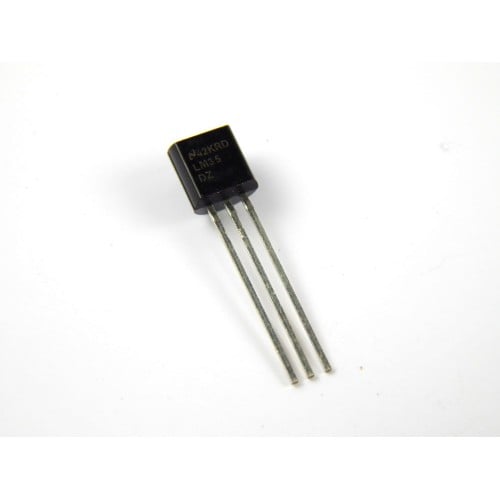
LM35 is a sensor which is used to measure temperature. It provides electrical output proportional to the temperature (in Celsius).
926-LM35DZ/NOPB
Downloads
Comments1
Join the discussion — share a question or tip.
- MO
Please do not forget to set the lm35 pin to OUTPUT in setup()