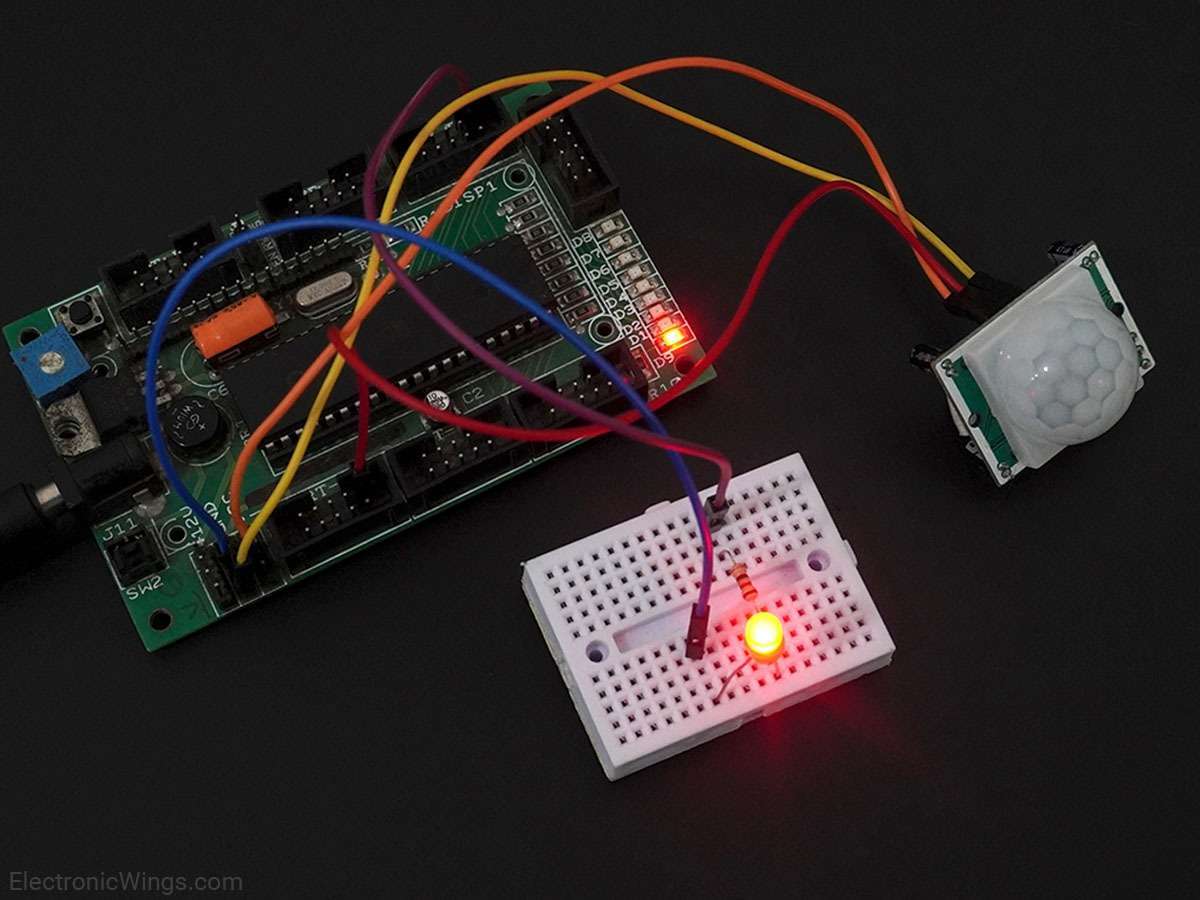
PIR Sensor Interfacing with Arduino UNO
PIR motion sensor senses Infrared signals. It is generally used to detect the motion of humans or animals.
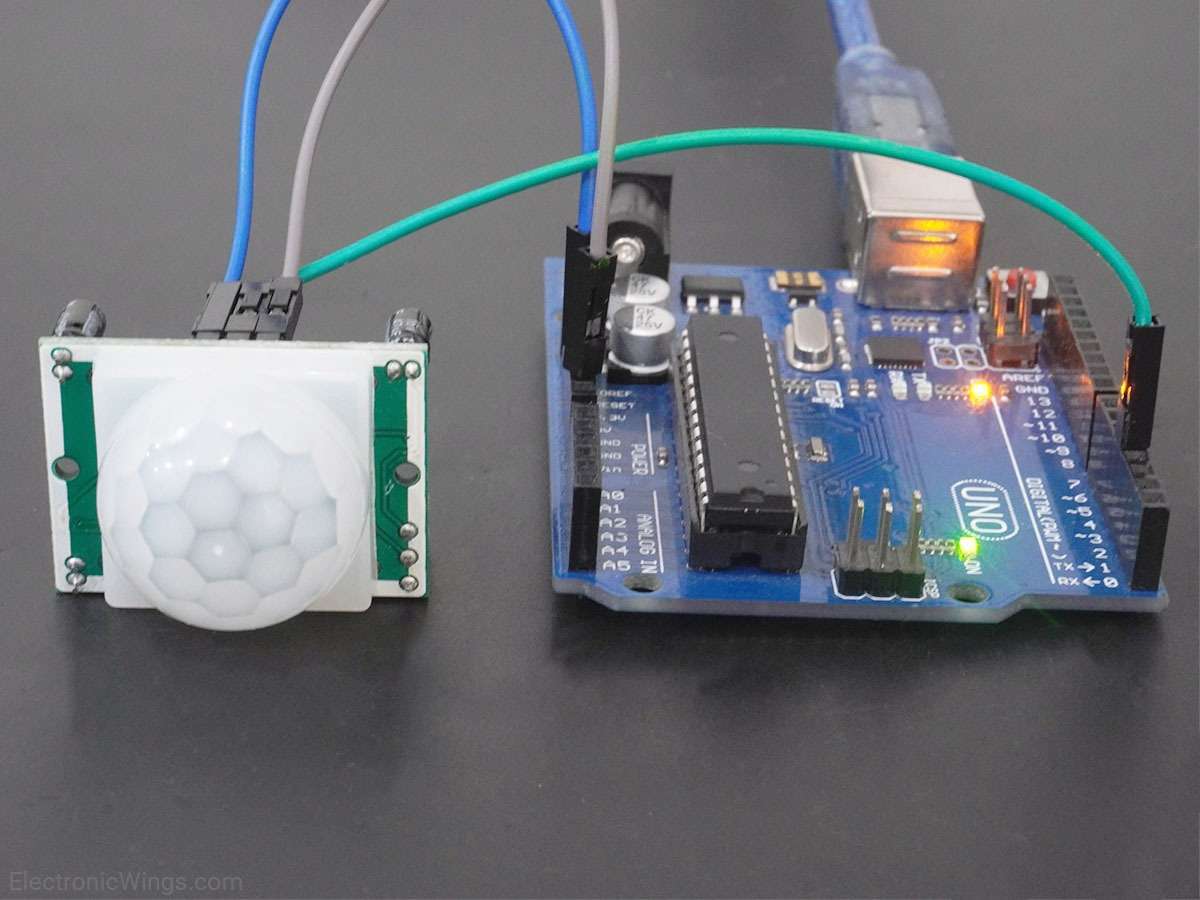
Overview of Motion Sensor
.jpg)
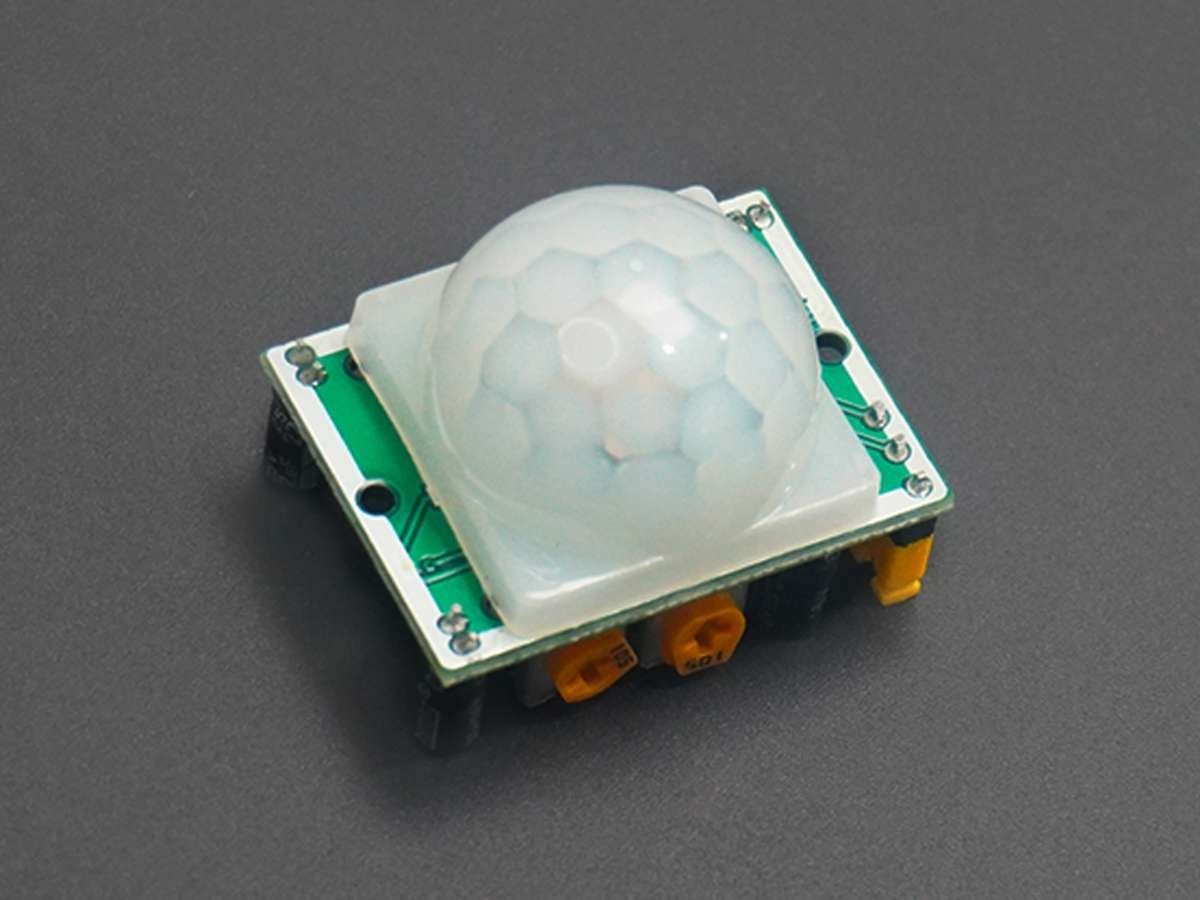
PIR sensor is used for detecting infrared heat radiations. This makes them useful in applications involving detection of moving living objects that emit infrared heat radiations.
The output (in terms of voltage) of PIR sensor is high when it senses motion; whereas it is low when there is no motion (stationary object or no object).
For more information on PIR sensor and how to use it, refer the topic PIR Sensor in the sensors and modules section.
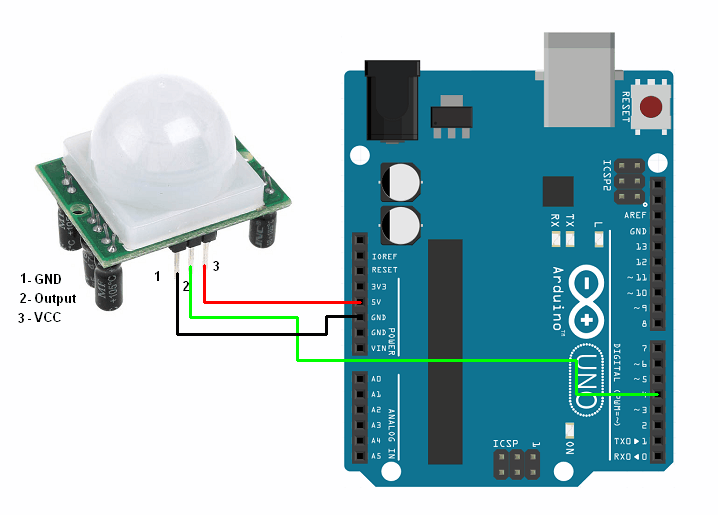
Connection Diagram of PIR Sensor with Arduino
Note:
- PIR sensor: Never keep PIR Sensor close to the Wi-Fi antenna, ESP32, or NodeMCU.
- PIR (Passive Infrared) sensor close to a WiFi antenna impacts the sensor's performance.
- PIR sensors detect changes in infrared radiation for motion detection.
- WiFi signals emit electromagnetic radiation that can interfere with the PIR sensor. Which causes false detection.
- So always keep the PIR sensor and WiFi antenna as far apart as possible.
- Also, you can try to shield the PIR sensor from the WiFi signal. This can be done by using metal shields or Faraday cages around the PIR sensor.
Detect Motion using PIR Sensor and Arduino Uno
Motion detection of living objects using PIR sensor using Arduino.
Upon detection of motion, "Object detected" is printed on serial monitor of Arduino. When there is no motion, "No object in sight" is printed on serial monitor of Arduino.
PIR Sensor code for Arduino Uno
const int PIR_SENSOR_OUTPUT_PIN = 4;	/* PIR sensor O/P pin */
int warm_up;

void setup() {
  pinMode(PIR_SENSOR_OUTPUT_PIN, INPUT);
  Serial.begin(9600);	/* Define baud rate for serial communication */
  delay(20000);	/* Power On Warm Up Delay */
}

void loop() {
  int sensor_output;
  sensor_output = digitalRead(PIR_SENSOR_OUTPUT_PIN);
  if( sensor_output == LOW )
  {
    if( warm_up == 1 )
     {
      Serial.print("Warming Up\n\n");
      warm_up = 0;
      delay(2000);
    }
    Serial.print("No object in sight\n\n");
    delay(1000);
  }
  else
  {
    Serial.print("Object detected\n\n");
    warm_up = 1;
    delay(1000);
  }
}
Connection Diagram of PIR Sensor with Arduino Uno Interrupt
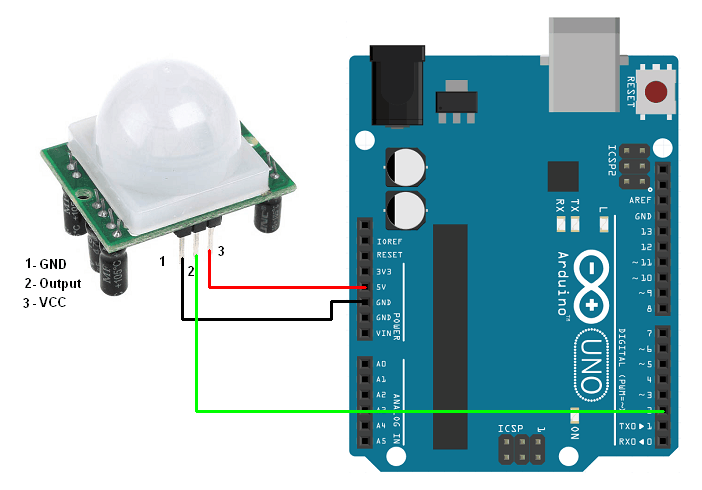
PIR Sensor code for Arduino Uno using Interrupt
const int PIR_SENSOR_OUTPUT_PIN = 2;  /* PIR sensor O/P pin */

void setup() {
  pinMode(PIR_SENSOR_OUTPUT_PIN, INPUT_PULLUP);
  attachInterrupt(digitalPinToInterrupt(2), pir, FALLING);  /* Interrupt on rising edge on pin 2 */
  Serial.begin(9600); /* Define baud rate for serial communication */
  delay(20000); /* Power On Warm Up Delay */
}

void loop() {
}

void pir(){
  Serial.println("Object Detected");
}
Video of PIR Motion detection using Arduino Uno
Components Used
Powered by
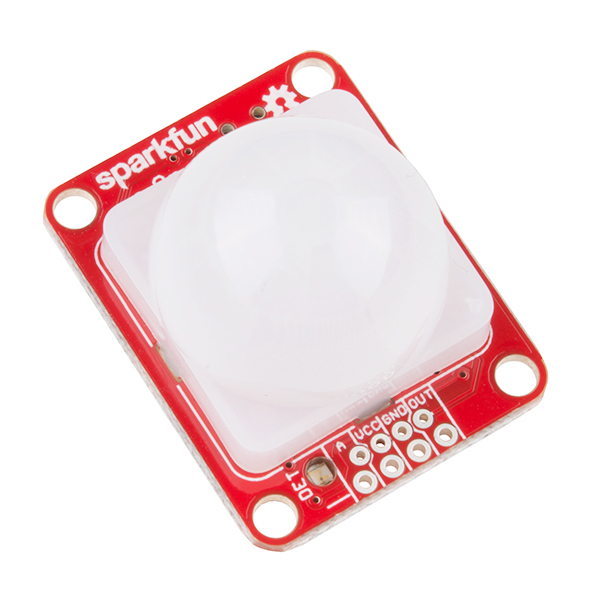 × 1
× 1PIR motion sensors sense the Infrared signal radiated from moving objects including human or animal body. It is generally used to detect the presence of human or animal motions.
474-SEN-13968
Downloads
Comments1
Join the discussion — share a question or tip.
- IN
Please provide source code for interrupt!!!