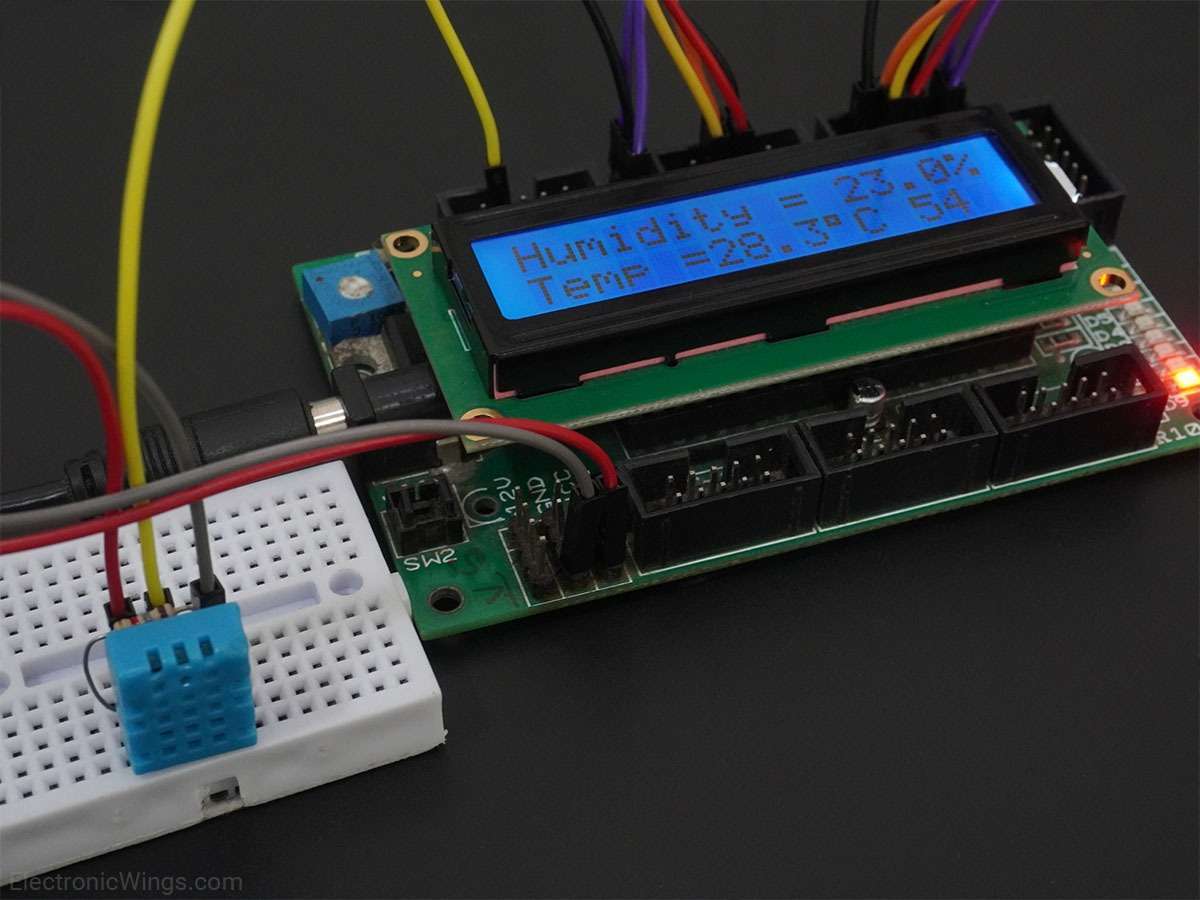
DHT11 Sensor Interfacing with Arduino UNO
Interface single wire DHT11 sensor with Arduino Uno to read the values of Temperature and Humidity. Display these Temperature and Humidity values on a serial window.
Overview of DHT11
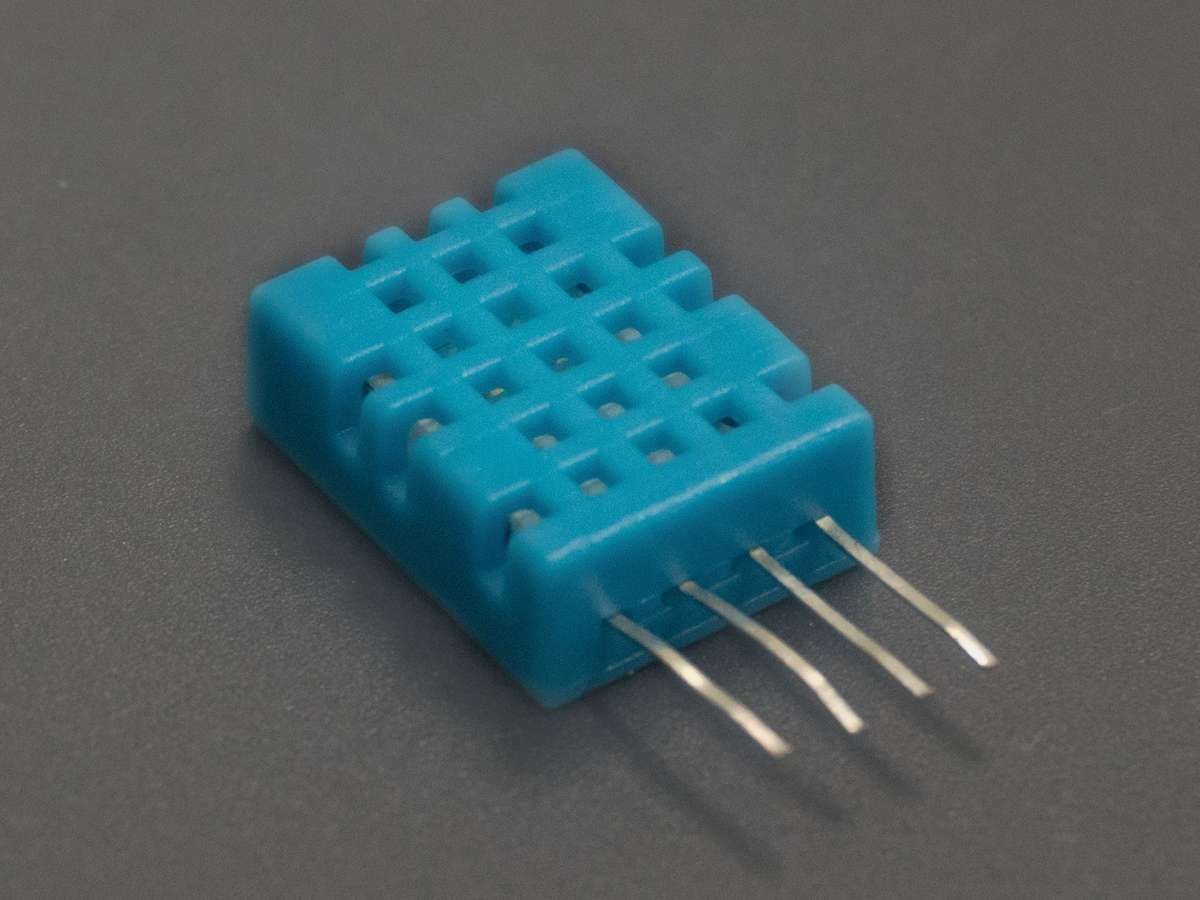
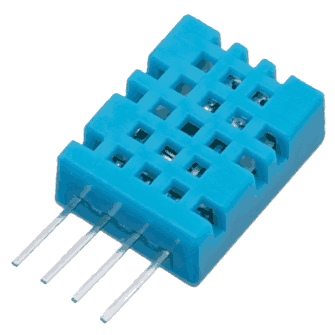
- DHT11 sensor measures and provides humidity and temperature values serially over a single wire.
- It can measure relative humidity in percentage (20 to 90% RH) and temperature in degree Celsius in the range of 0 to 50°C.
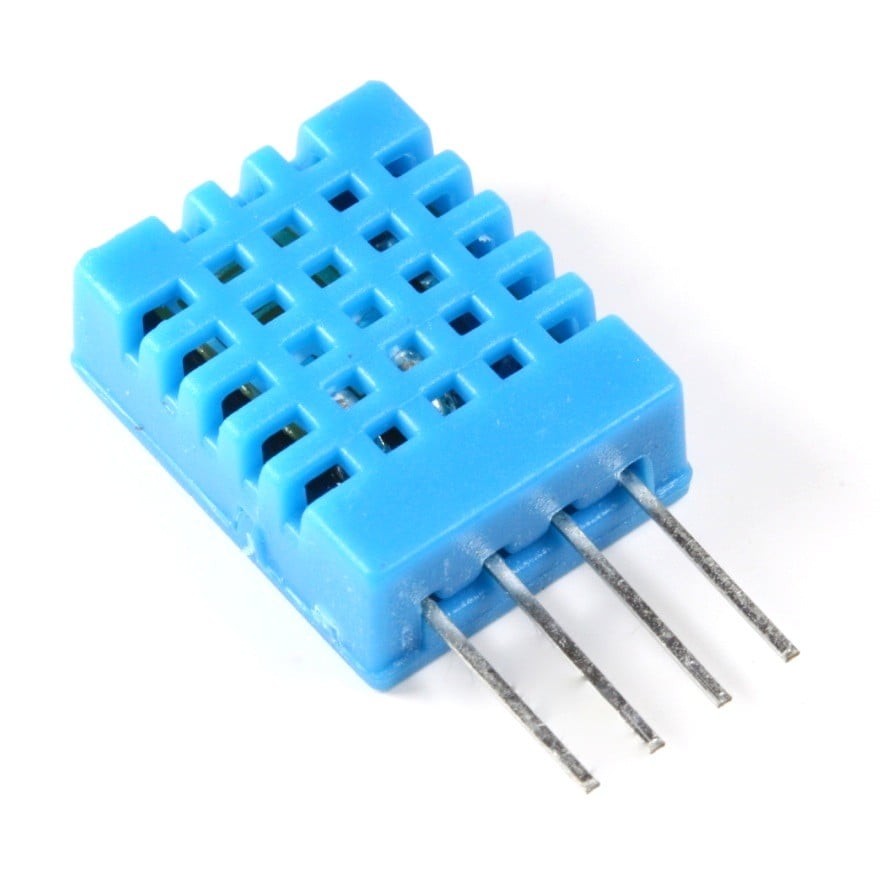
- It has 4 pins; one of which is used for data communication in serial form.
- Pulses of different TON and TOFF are decoded as logic 1 or logic 0 or start pulse or end of a frame.
For more information about the DHT11 sensor and how to use it, refer the topic DHT11 sensor in the sensors and modules topic.
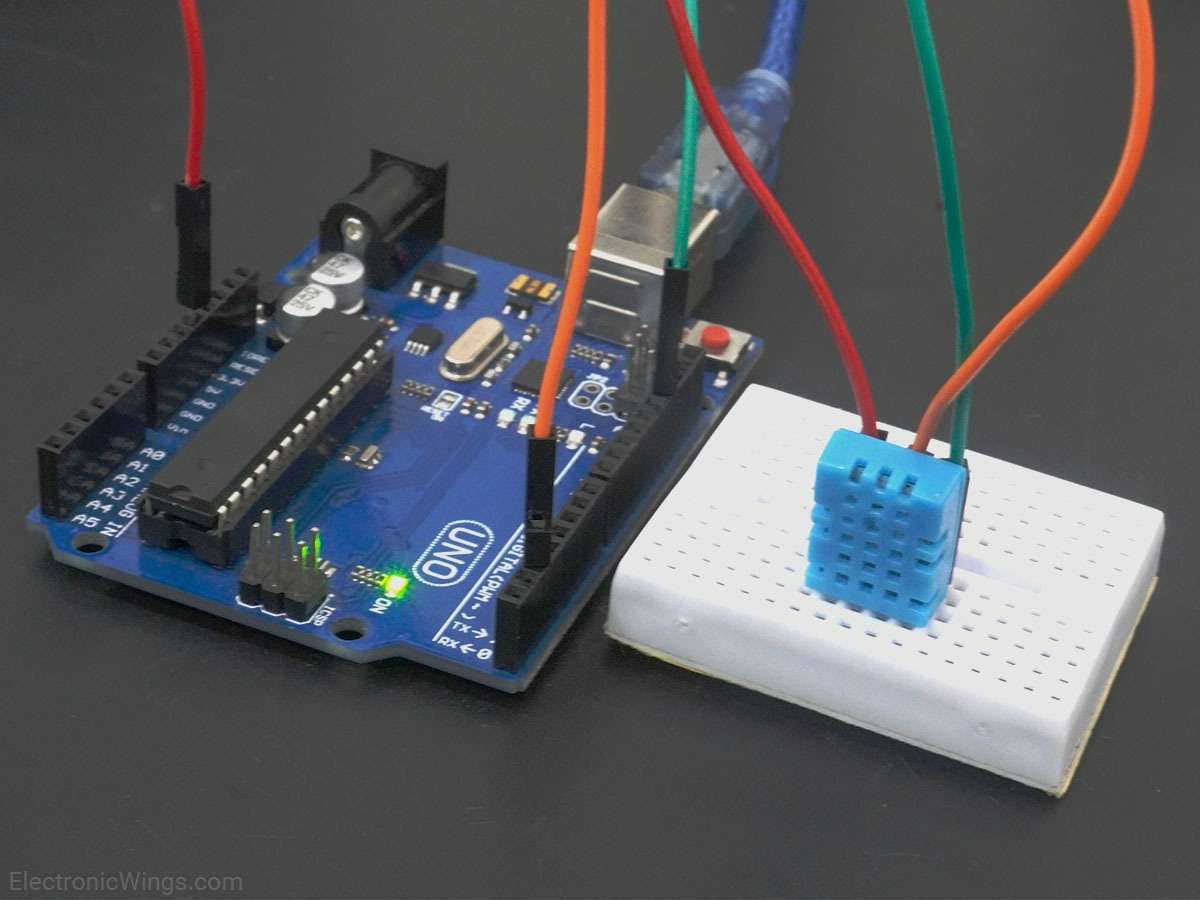
Connection Diagram of DHt11 with Arduino Uno
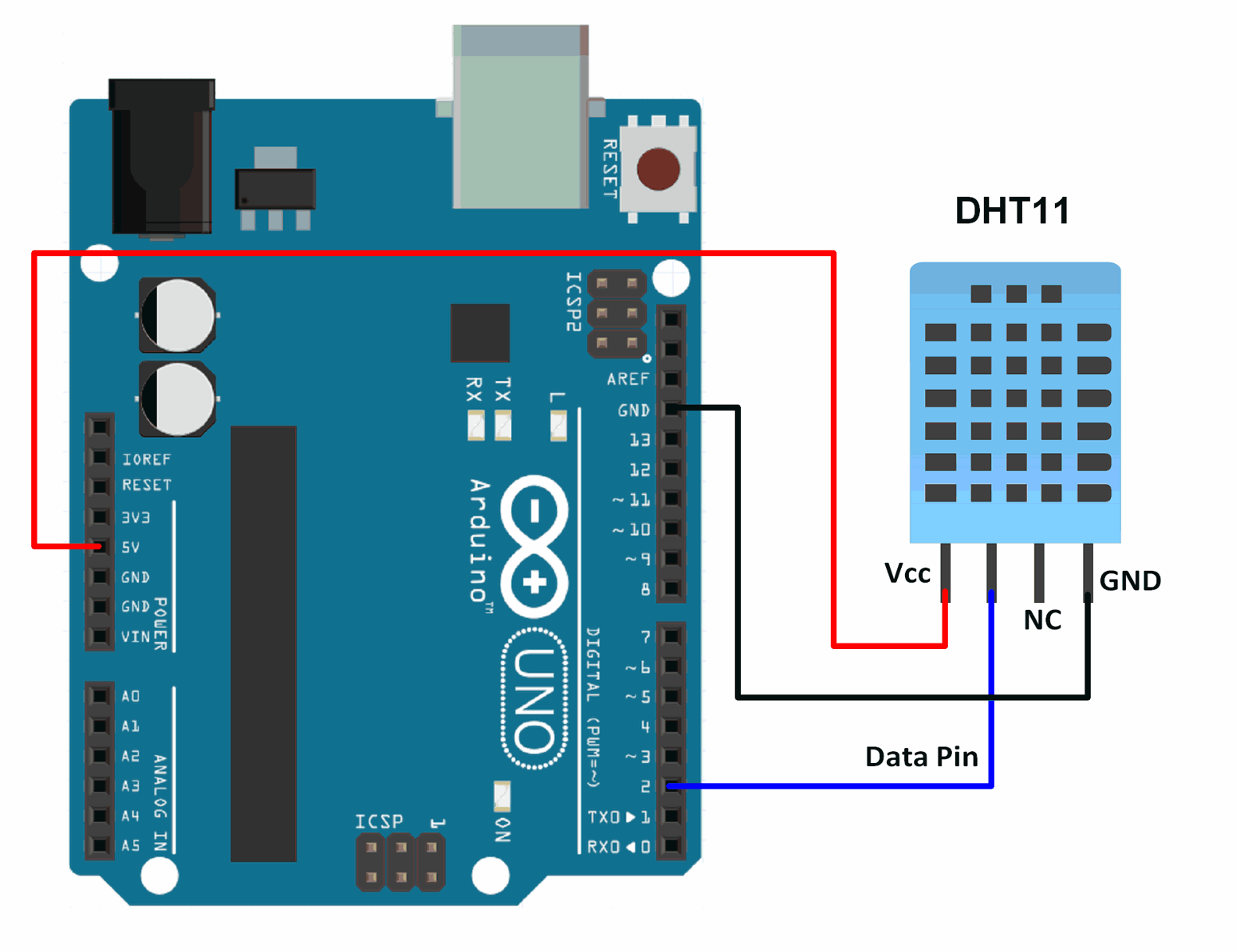
Read Temperature and Humidity from DHT11 using Arduino
Reading temperature and humidity from a DHT11 sensor.
Here, we will be using a DHT11 library by Mark Ruys from GitHub.
Download this library from here.
Extract the library and add the folder to the libraries folder path of Arduino IDE.
For information about how to add a custom library to the Arduino IDE and use examples from it, refer Adding Library To Arduino IDE in the Basics section.
Once the library has been added to the Arduino IDE, open the IDE and open the example sketch named DHT_Test from the library added.
Temperature and Humidity Measurement Code using DHT11 for Arduino
#include "DHT.h"

DHT dht;

void setup()
{
  Serial.begin(9600);
  Serial.println();
  Serial.println("Status\tHumidity (%)\tTemperature (C)\t(F)");

  dht.setup(2); 	/* set pin for data communication */
}

void loop()
{
  delay(dht.getMinimumSamplingPeriod());	/* Delay of amount equal to sampling period */

  float humidity = dht.getHumidity();	    /* Get humidity value */
  float temperature = dht.getTemperature();	/* Get temperature value */

  Serial.print(dht.getStatusString());	    /* Print status of communication */
  Serial.print("\t");
  Serial.print(humidity, 1);
  Serial.print("\t\t");
  Serial.print(temperature, 1);
  Serial.print("\t\t");
  Serial.println(dht.toFahrenheit(temperature), 1);	/* Convert temperature to Fahrenheit units */
}
Video of Temperature Humidity Measurement using DHT11 and Arduino
Components Used
Powered by
 × 1
× 1DHT11 is a single wire digital humidity and temperature sensor, which gives relative humidity in percentage and temperature in degree Celsius.
485-386
Downloads
References
Comments10
Join the discussion — share a question or tip.
- SN
i am same problem TIMEOUT
- DA
thanks for the explanation check this out <a href="https://propmoneyset.com">for a surprise</a> or this one <a href="https://highpsychedelics.com">right here</a> or this one <a href="https://psychedelics-bank.com">right here</a>
- CO
why does mine look like this: OK 75.0 18.0 64.4 TIMEOUT nan nan nan OK 75.0 18.0 64.4 TIMEOUT nan nan nan OK 75.0 18.0 64.4 TIMEOUT nan nan nan OK 75.0 19.0 66.2 TIMEOUT nan nan nan OK 75.0 19.0 66.2 TIMEOUT nan nan nan OK 75.0 19.0 66.2 TIMEOUT nan nan nan OK 75.0 19.0 66.2 TIMEOUT nan nan nan
- SH
Hii I am interfacing DHT11 sensor and I downloaded the libraries in github but libraries error has occurred I don't the reason, please anybody give some solutions and I purchased the DHT11 sensor in this website ( http://uitechies.co.in/BBBcircuits/product.php?product=dht11-temperature-and-humidity-sensor-module-arduino-raspberry-pi )
- IM
i got results : #include "DHT.h" TIMEOUT nan nan nan TIMEOUT nan nan nan TIMEOUT nan nan nan TIMEOUT nan nan nan TIMEOUT nan nan nan TIMEOUT nan nan nan TIMEOUT nan nan nan TIMEOUT nan nan nan what does it means?
- MU
i had the similar problem. it is the pin configuration.
- VI
i am getting an error of "timeout" and i am not getting humdity and temperature values, please help me to solve it. Thanks in advance and waiting for your soon reply.
- VI
Replying to @lokeshc
Is it possible that sensor is malfunctioned?? And one more thing, in some websites for connection of dht11 to Arduino, the VCC is connected with the middle pin of dht11 though you have shown connection with one pin? I'm confused because Google is showing two results. Help me out Thank you in advance Regards