ADXL335 Accelerometer Interfacing with Arduino Uno
ADXL335 accelerometer sensor measures acceleration due to gravity. It is used to measure the angle of tilt or inclination in application systems such as in Mobile devices, Gaming applications, Laptops, Digital cameras, Aeroplanes etc.
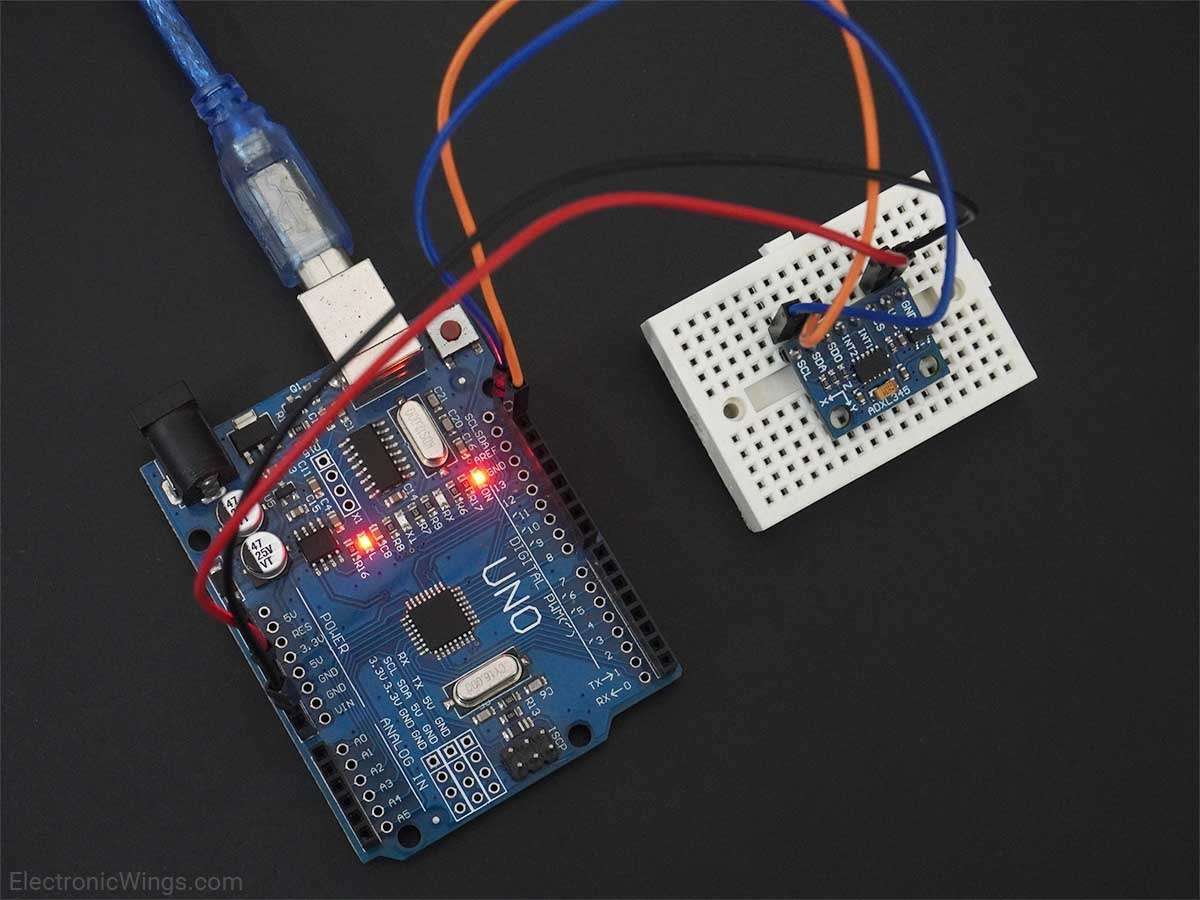
Overview of Accelerometer
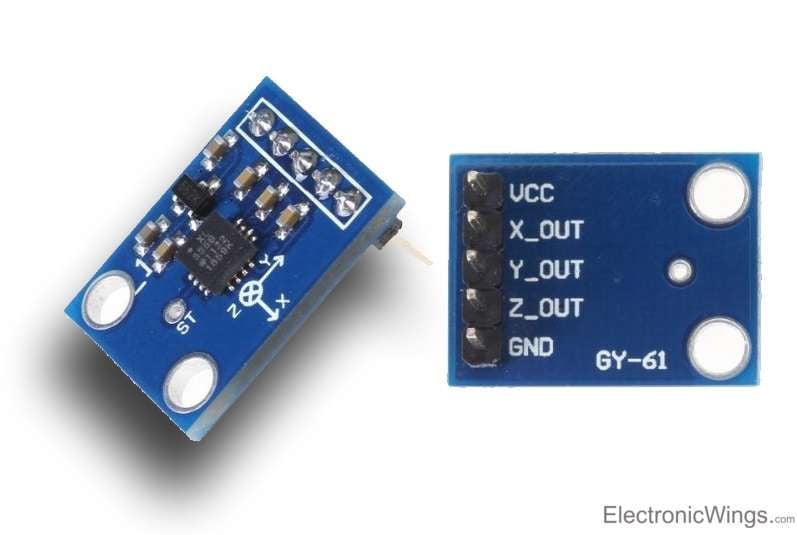
Accelerometer is an electromechanical device that measures the force of acceleration due to gravity in g unit.
It can be used in applications requiring tilt sensing.
The ADXL335 measures acceleration along X, Y and Z axes and gives analog voltage output proportional to the acceleration along these 3 axes.
Microcontrollers can process these voltages by converting them to digital signals using ADC.
For more information about ADXL335 accelerometer and how to use it, refer the topic ADXL335 Accelerometer Module in the sensors and modules section.
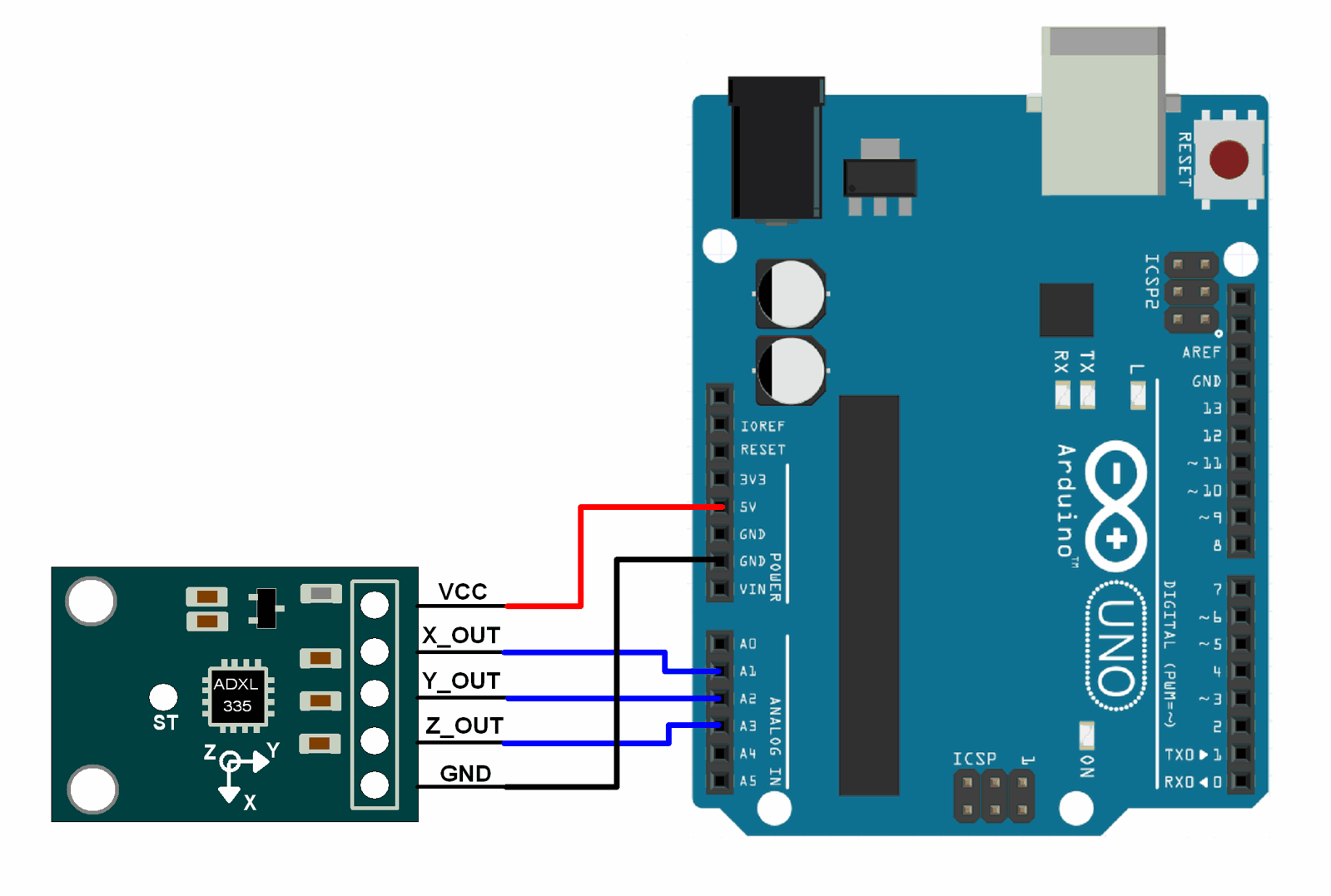
Connection Diagram of Accelerometer ADXL335 with Arduino
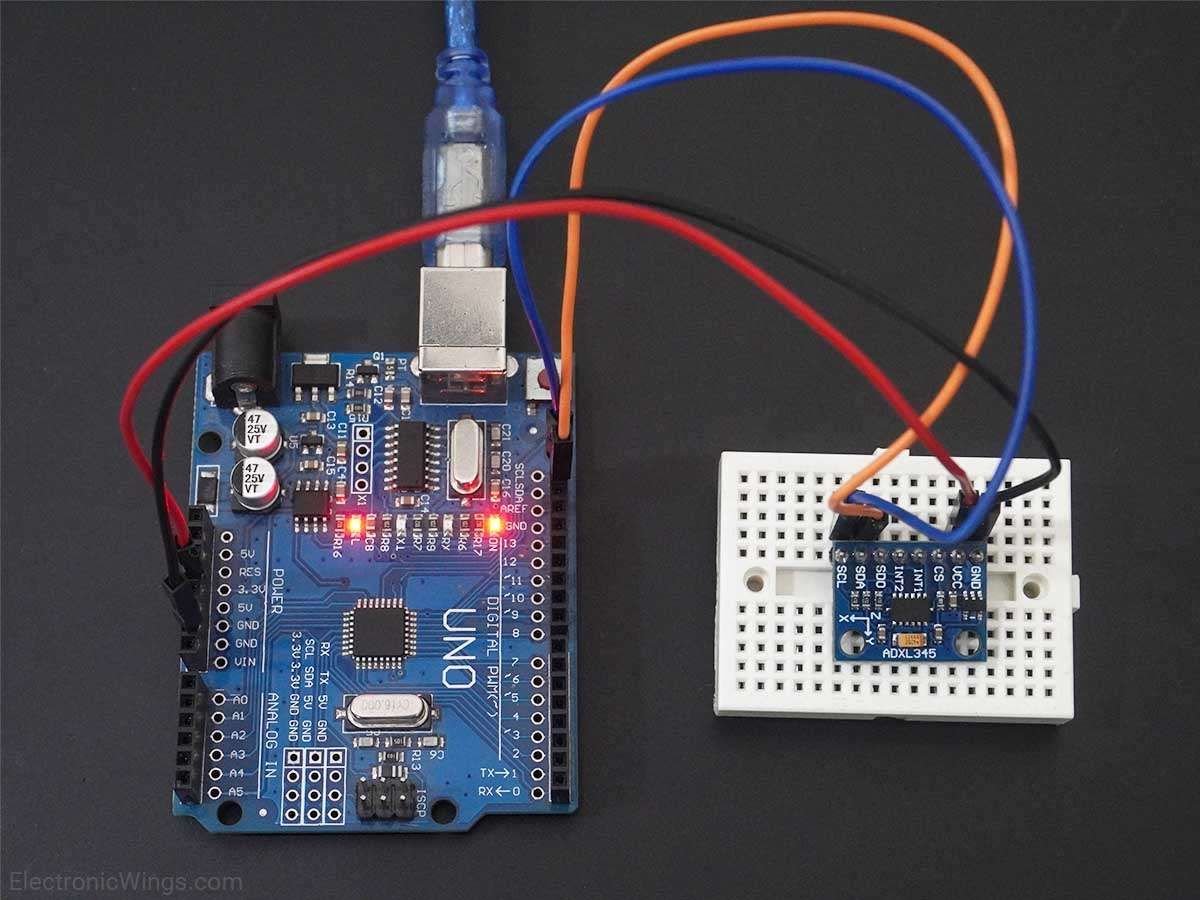
Read Accelerometer ADXL335 Using Arduino Uno
Finding the roll and pitch of the device using analog voltages of accelerometer module and displaying them on serial monitor of Arduino .
Accelerometer ADXL335 Code With Arduino Uno
#include <math.h>
const int x_out = A1; /* connect x_out of module to A1 of UNO board */
const int y_out = A2; /* connect y_out of module to A2 of UNO board */
const int z_out = A3; /* connect z_out of module to A3 of UNO board */

void setup() {
  Serial.begin(9600);
}

void loop() {
  int x_adc_value, y_adc_value, z_adc_value;
  double x_g_value, y_g_value, z_g_value;
  double roll, pitch, yaw;
  x_adc_value = analogRead(x_out); /* Digital value of voltage on x_out pin */
  y_adc_value = analogRead(y_out); /* Digital value of voltage on y_out pin */
  z_adc_value = analogRead(z_out); /* Digital value of voltage on z_out pin */
  Serial.print("x = ");
  Serial.print(x_adc_value);
  Serial.print("\t\t");
  Serial.print("y = ");
  Serial.print(y_adc_value);
  Serial.print("\t\t");
  Serial.print("z = ");
  Serial.print(z_adc_value);
  Serial.print("\t\t");
  //delay(100);

  x_g_value = ( ( ( (double)(x_adc_value * 5)/1024) - 1.65 ) / 0.330 ); /* Acceleration in x-direction in g units */
  y_g_value = ( ( ( (double)(y_adc_value * 5)/1024) - 1.65 ) / 0.330 ); /* Acceleration in y-direction in g units */
  z_g_value = ( ( ( (double)(z_adc_value * 5)/1024) - 1.80 ) / 0.330 ); /* Acceleration in z-direction in g units */

  roll = ( ( (atan2(y_g_value,z_g_value) * 180) / 3.14 ) + 180 ); /* Formula for roll */
  pitch = ( ( (atan2(z_g_value,x_g_value) * 180) / 3.14 ) + 180 ); /* Formula for pitch */
  //yaw = ( ( (atan2(x_g_value,y_g_value) * 180) / 3.14 ) + 180 ); /* Formula for yaw */
  /* Not possible to measure yaw using accelerometer. Gyroscope must be used if yaw is also required */

  Serial.print("Roll = ");
  Serial.print(roll);
  Serial.print("\t");
  Serial.print("Pitch = ");
  Serial.print(pitch);
  Serial.print("\n\n");
  delay(1000);
}
.jpg)
Video of Accelerometer Using Arduino Uno
Components Used
Powered by
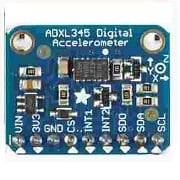
ADXL345 Digital Accelerometer ADXL345 Digital Accelerometer
584-ADXL345TCCZ-EP
Downloads
Comments9
Join the discussion — share a question or tip.
- VE
HI. the values of x_g_value , y_g_value , z_gvalue ares in m/s^2 (dimensions) thank you George
- SH
Hello, What is the formula you used here? How did you come up with this formula?
- MO
Hello Dear Sir,i want to send 3 axis values of mpu using nrf2401 module Please help its too much important for me
- TP
sir can u explain why in this formula, x_g_value = ( ( ( (double)(x_adc_value * 5)/1024) - 1.65 ) / 0.330 ); /* Acceleration in x-direction in g units */ you took 5 as the value, it's the reference value but what is the significance of the 5?? thanks in advance
- IN
hello sir, i tried above program and it working as shown in video but when i try to print below three values of x, y, z in g unit from above program then it shows 0.00 x_g_value = ( ( ( (double)(x_adc_value * 5)/1024) - 1.65 ) / 330.0 ); y_g_value = ( ( ( (double)(y_adc_value * 5)/1024) - 1.65 ) / 330.0 ); z_g_value = ( ( ( (double)(z_adc_value * 5)/1024) - 1.80 ) / 330.0 ); i referred topic ADXL335 Accelerometer Module in the sensors and modules section and i found there formula for above three parameters as Axout = (((X axis ADC value * Vref) / 1024) – 1.65) / 0.330 Ayout = (((Y axis ADC value * Vref) / 1024) – 1.65) / 0.330 Azout = (((Z axis ADC value * Vref) / 1024) – 1.65) / 0.330 so i found some minor change in formula i.e. 330.0 to 0.330 and it works.
- MO
Hello sir, how can i control 3 servos with mpu6050 using wirless communication on nrf module