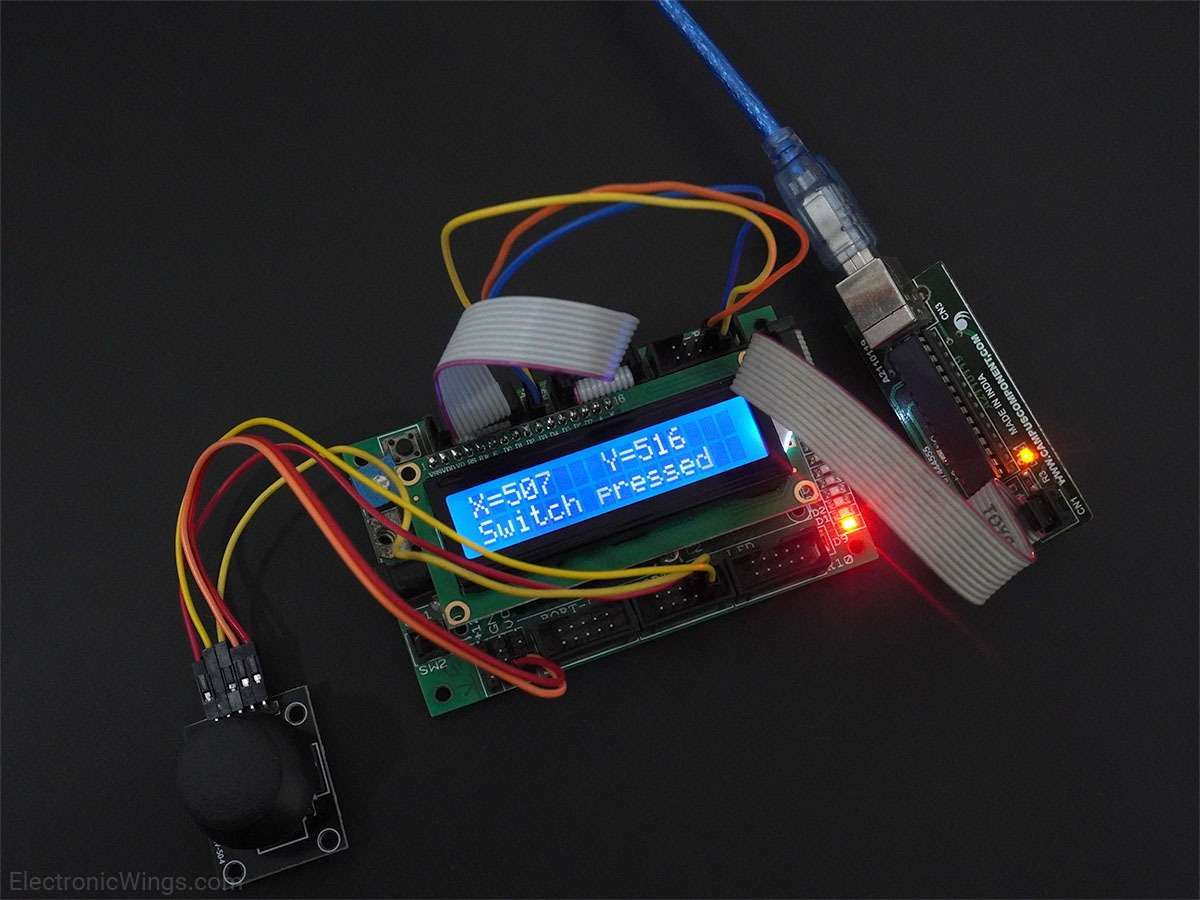
Analog Joystick Interfacing with Arduino UNO
Analog Joystick is an input device used to control the pointer movement in 2-Dimensional axes. Generally, joystick is used for getting angular movements.
Overview of Analog Joystick
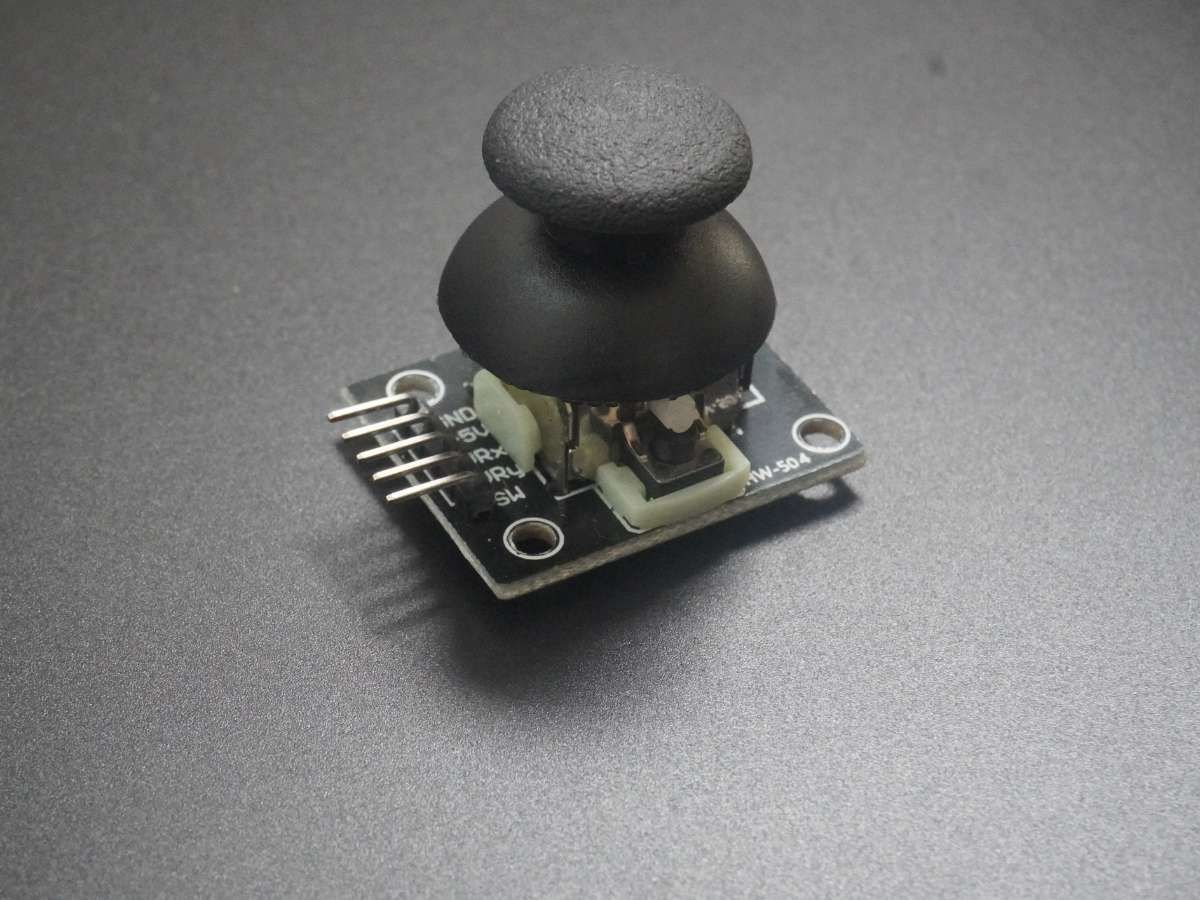
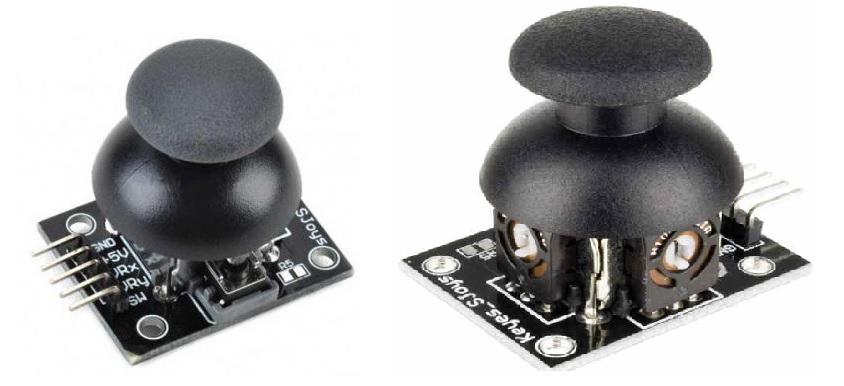
Applications like video games that require a change in cursor position in a 2-D plane make use of analog joysticks as input devices.
Analog joystick produces two voltages; one corresponding to position with respect to X-axis and another corresponding to the position with respect to Y-axis. The voltages produced depend on the position of the joystick.
For more information about Analog Joystick and how to use it, refer the topic Analog Joystick in the sensors and modules section.
To interface the Analog Joystick with Arduino Uno, we need to use ADC on the microcontroller of the Arduino UNO board.
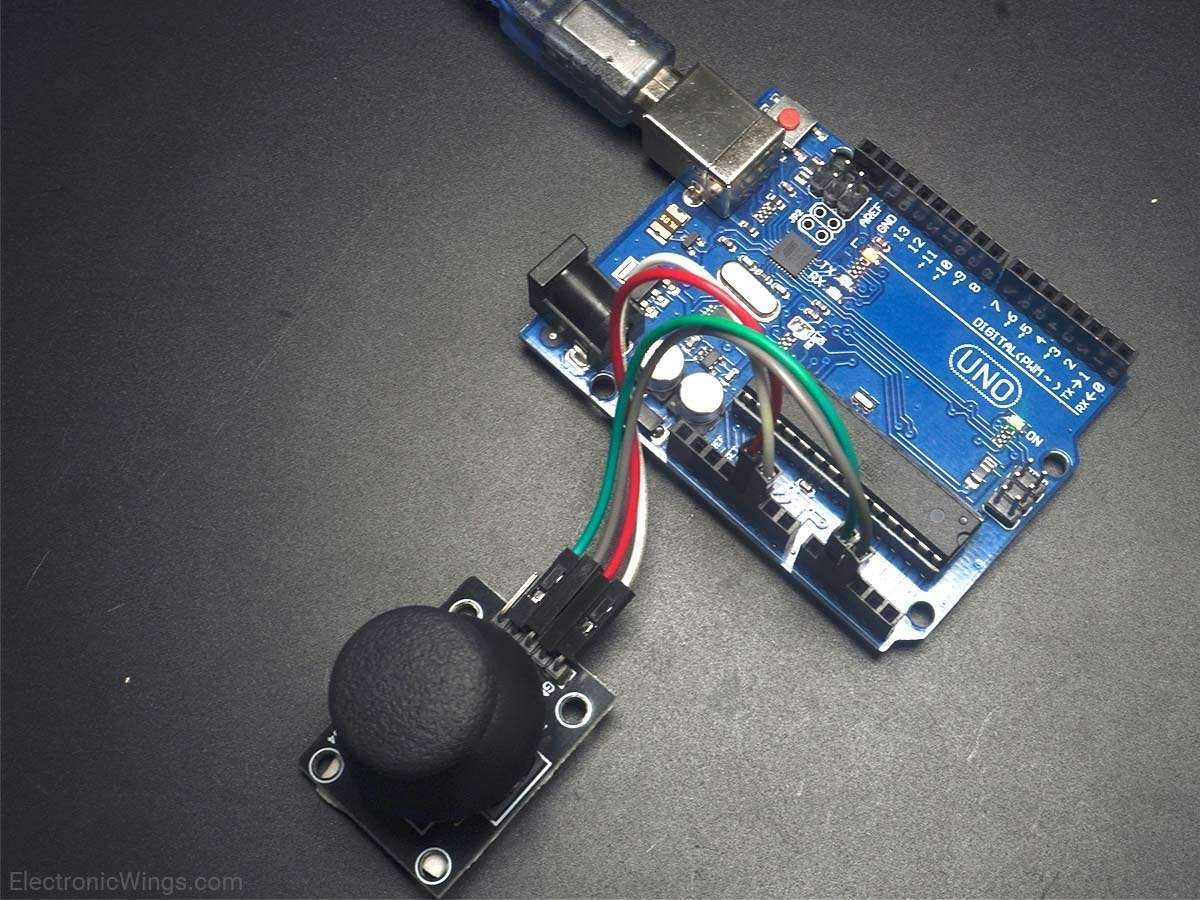
Connection Diagram of Analog Joystick with Arduino
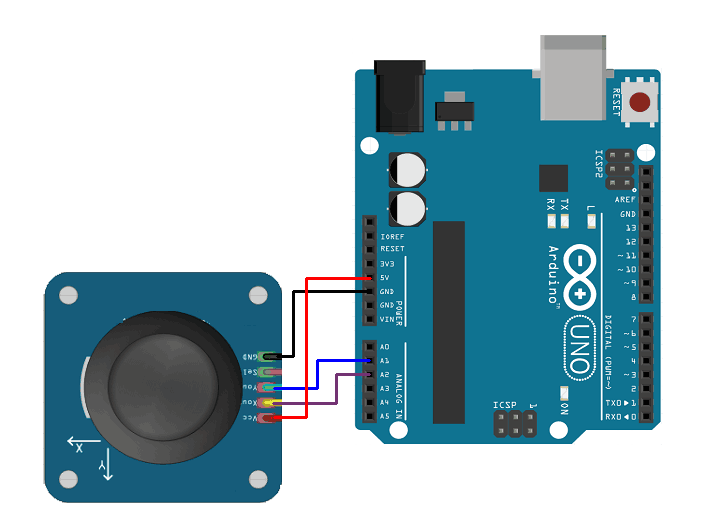
Get the X and Y Positions of Analog Joystick with Arduino Uno
Displaying analog joystick voltages in X and Y directions on the serial monitor of Arduino.
Here, we will be using the analog pins of Arduino to process the analog voltages of the joystick.
Analog Joystick Code for Arduino Uno
const int joystick_x_pin = A2;
const int joystick_y_pin = A1;

void setup() {
  Serial.begin(9600);   /* Define baud rate for serial communication */
}

void loop() {
  int x_adc_val, y_adc_val;
  float x_volt, y_volt;
  x_adc_val = analogRead(joystick_x_pin);
  y_adc_val = analogRead(joystick_y_pin);
  x_volt = ( ( x_adc_val * 5.0 ) / 1023 );  /*Convert digital value to voltage */
  y_volt = ( ( y_adc_val * 5.0 ) / 1023 );  /*Convert digital value to voltage */
  Serial.print("X_Voltage = ");
  Serial.print(x_volt);
  Serial.print("\t");
  Serial.print("Y_Voltage = ");
  Serial.println(y_volt);
  delay(100);
}
Video of Reading Analog Joystick Using Arduino Uno
Components Used
Powered by
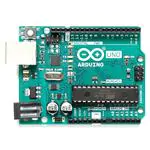
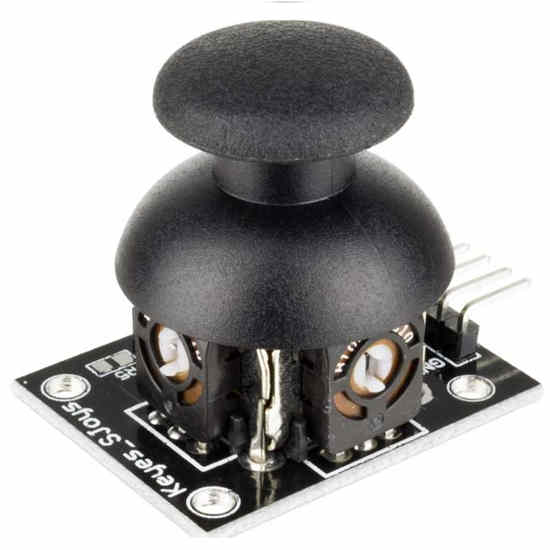
Joystick is an input device used to control the pointer movement in 2-dimension axis. It is mostly used in Video games.
375-JOY-01
Downloads
Comments0
Join the discussion — share a question or tip.
Be the first to share your thoughts on this guide.