Soil Moisture Sensor Interfacing with NodeMCU
The soil moisture sensor is used to measure the water content (moisture) in soil. It is used in agriculture applications, irrigation and gardening systems, etc.
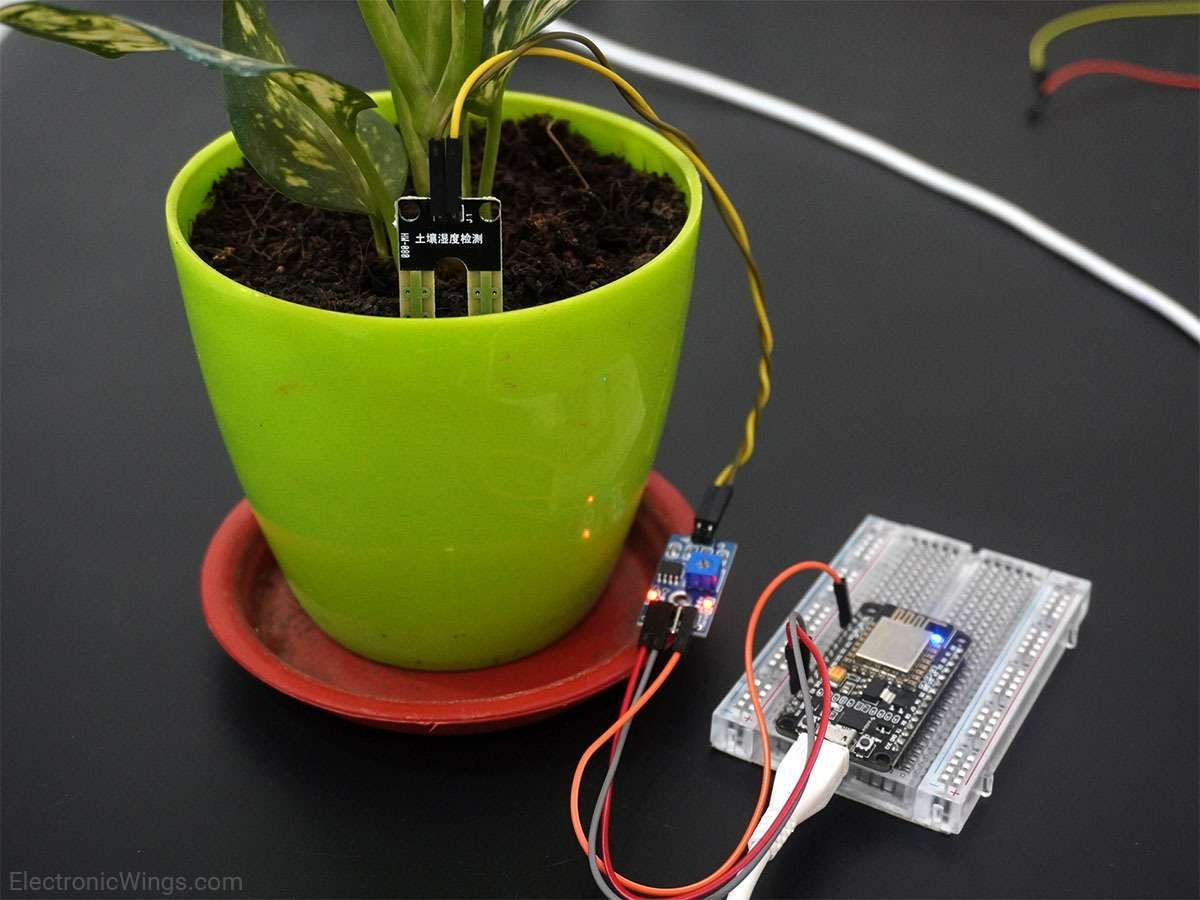
Overview of Soil Moisture Sensor
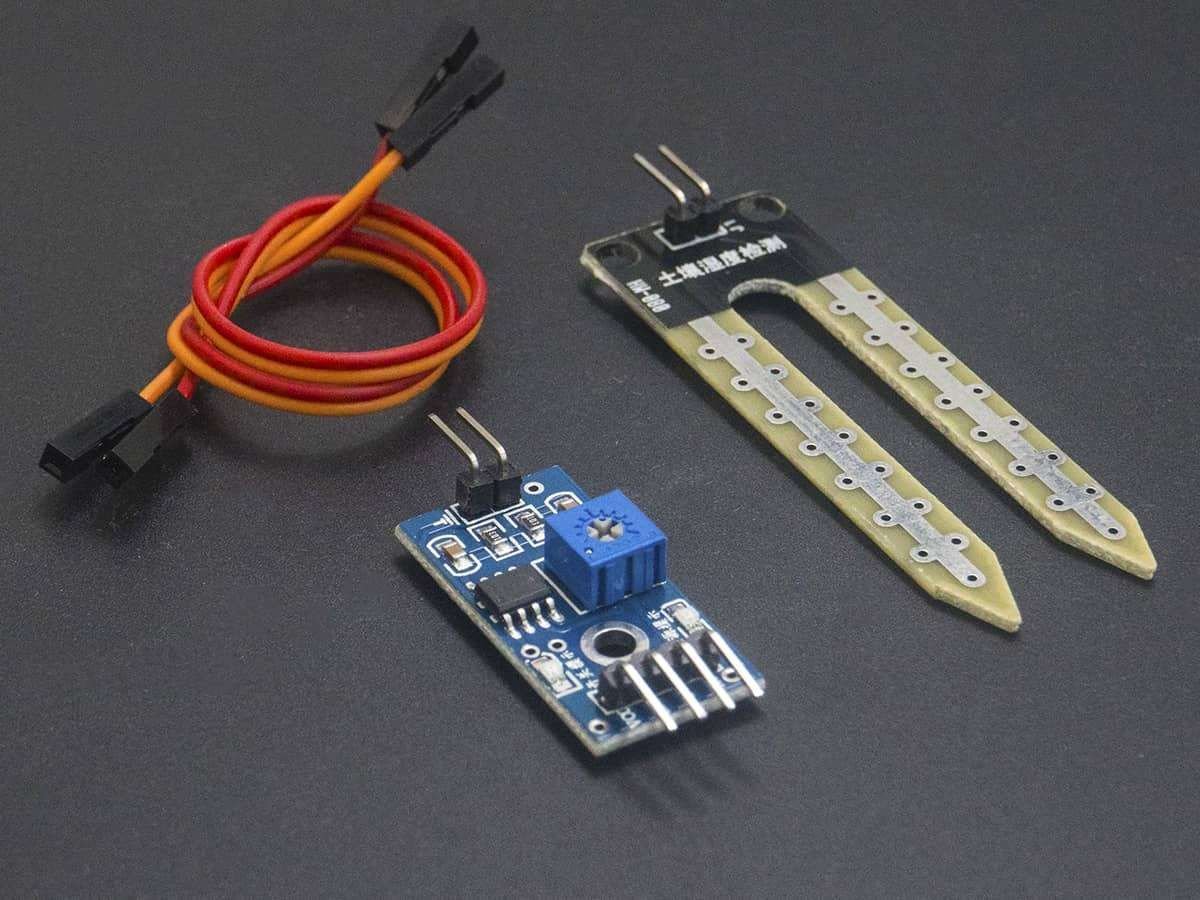
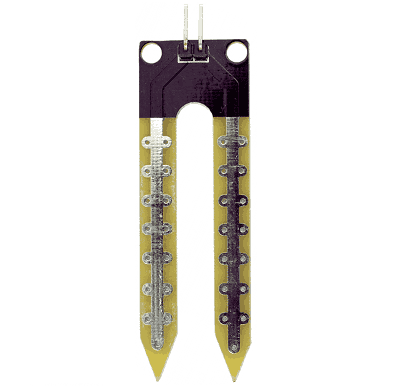
Soil moisture is basically the content of water present in the soil. This can be measured using a soil moisture sensor which consists of two conducting probes that act as a probe. It can measure the moisture content in the soil based on the change in resistance between the two conducting plates.
The resistance between the two conducting plates varies in an inverse manner with the amount of moisture present in the soil.
For more information about soil moisture sensor and how to use it, refer to the topic Soil Moisture Sensor in the sensors and modules section.
Connection Diagram of Soil Moisture Sensor with NodeMCU
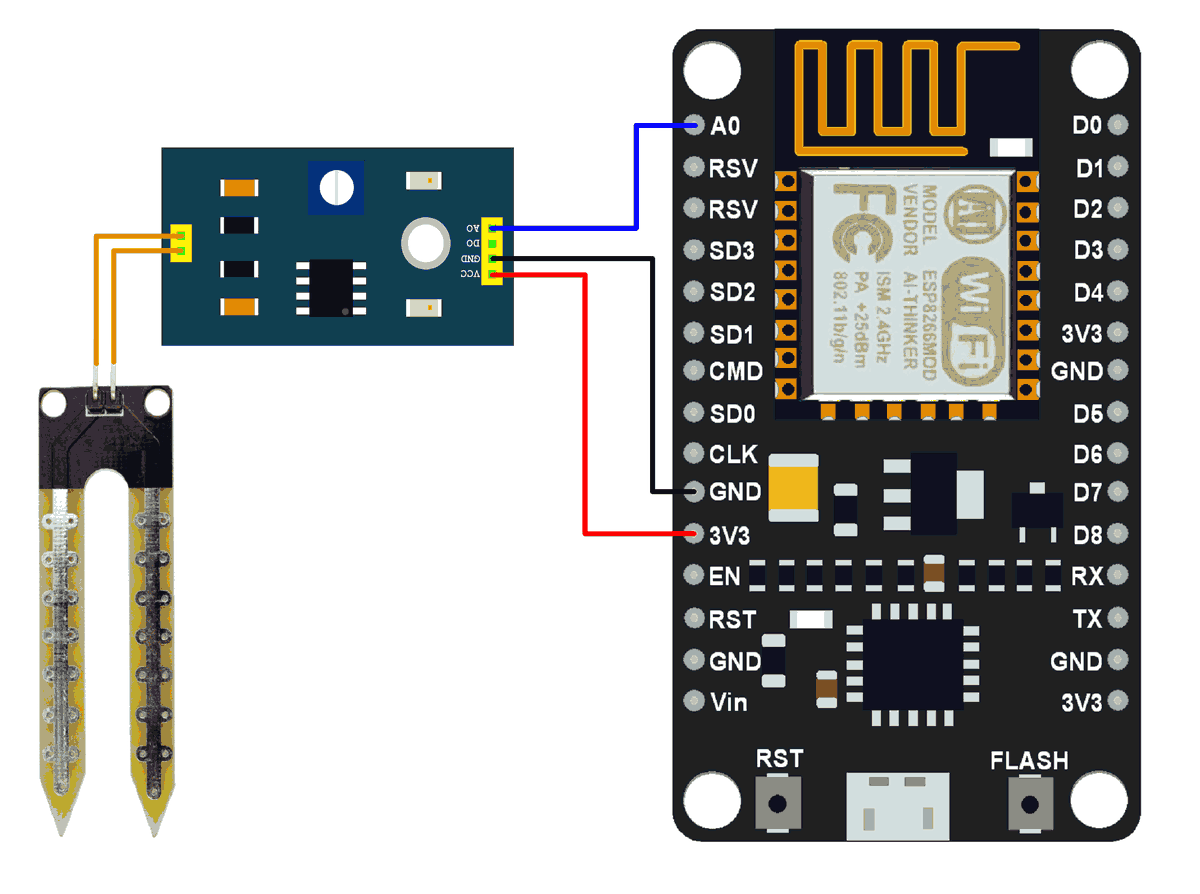
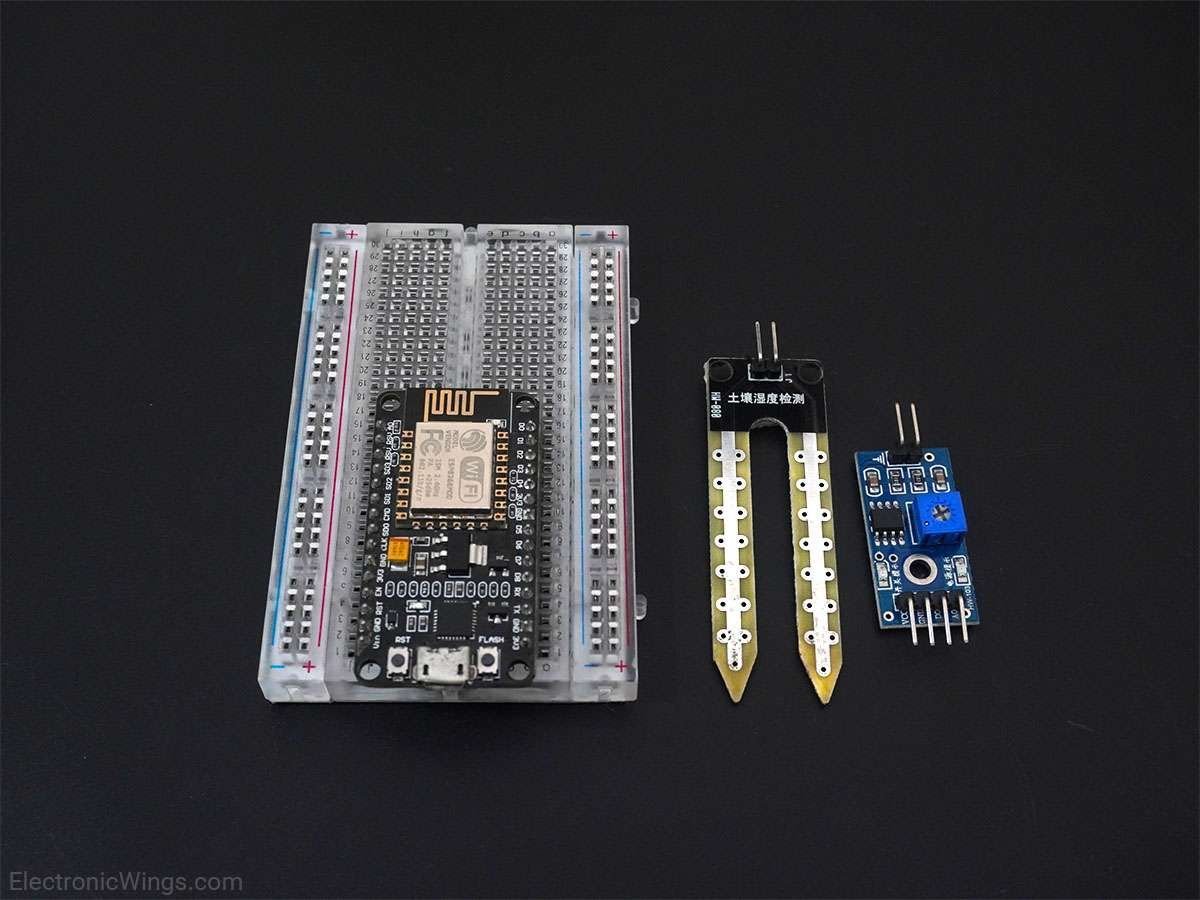
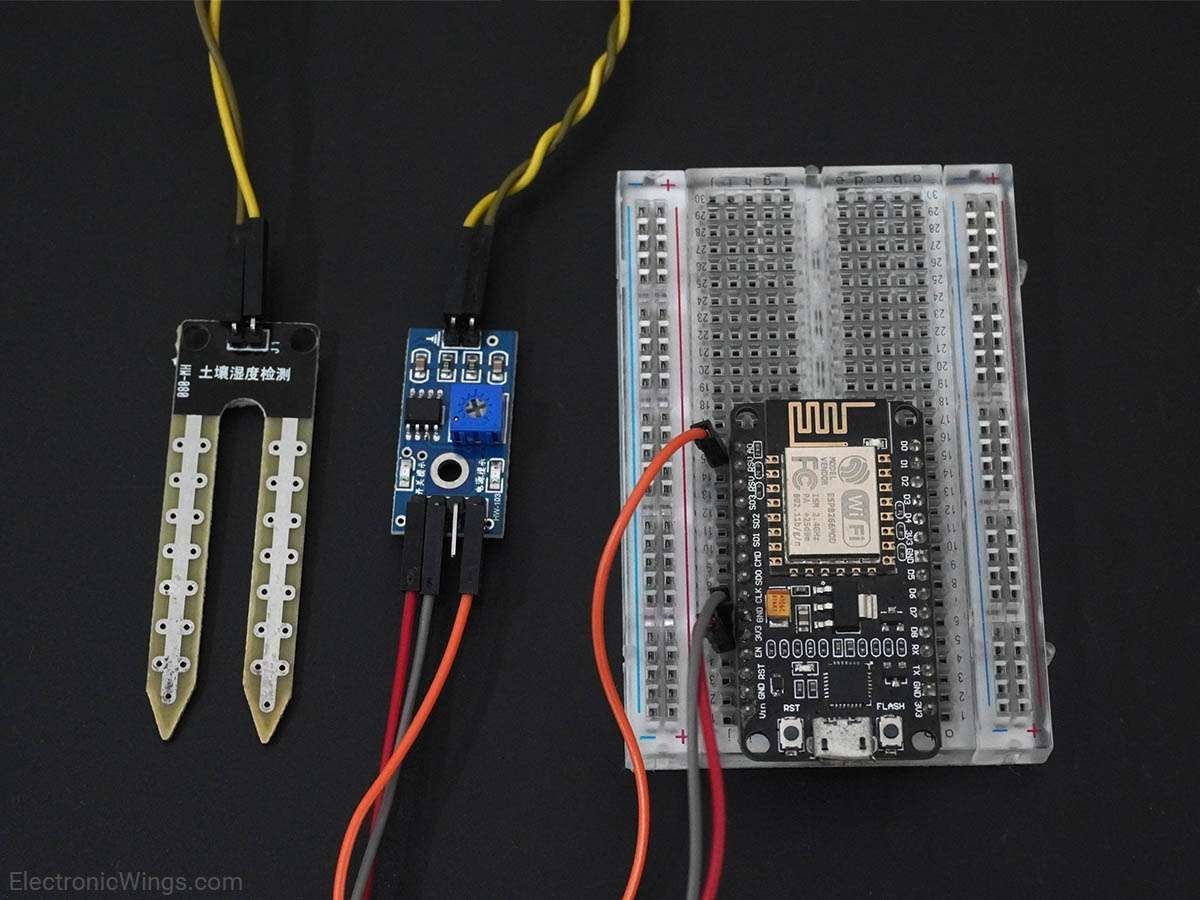
Measure Soil Moisture using NodeMCU
Measuring soil moisture in terms of percentage.
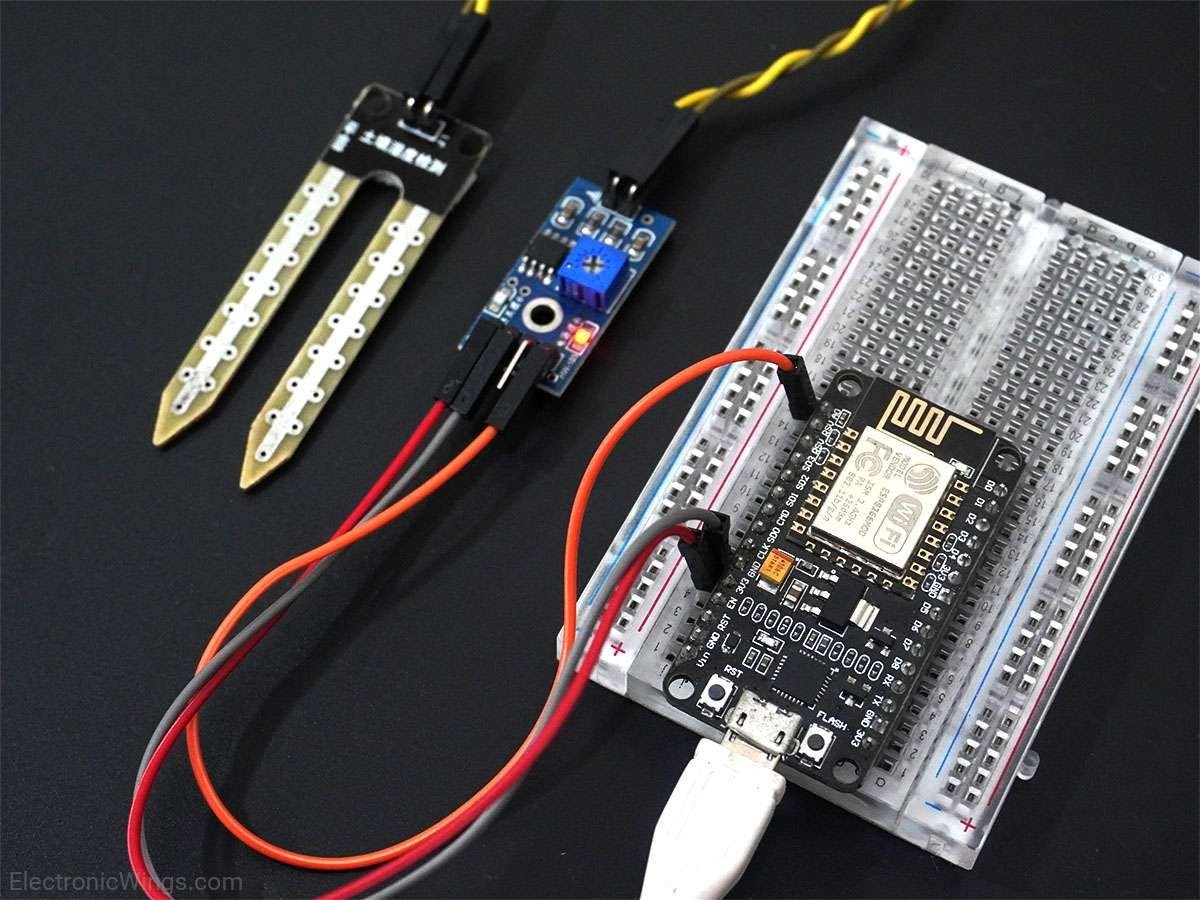
Here, the analog output of the soil moisture sensor is processed using ADC. The moisture content in terms of percentage is displayed on the serial monitor.
The output of the soil moisture sensor changes in the range of ADC values from 0 to 1023. This can be represented as moisture value in terms of percentage using the formula given below.
Analog Output = ADC Value / 1023
Moisture in percentage = 100 – (Analog output * 100)
For zero moisture, we get the maximum value of 10-bit ADC, i.e. 1023. This in turn gives ~0% moisture.
NodeMCU ADC can be used to measure analog voltage from the soil moisture sensor. To know about ADC of NodeMCU refer to NodeMCU ADC with ESPlorer IDE and NodeMCU ADC with Arduino IDE.
We can write codes for NodeMCU Dev Kit in either Lua Script or C/C++ language. We are using ESPlorer IDE for writing Lua scripts and Arduino IDE for writing code in C/C++. To know more refer to Getting started with NodeMCU using ESPlorer IDE (which uses Lua scripting for NodeMCU) and Getting started with NodeMCU using Arduino IDE (which uses C language-based Arduino sketches for NodeMCU).
Let’s write Lua script for NodeMCU to measure Soil Moisture using ADC on it.
Lua Script for Soil Moisture
sensor_pin = 0;  --Connect Soil moisture analog sensor pin to A0 of NodeMCU

while true do
  local moisture_percentage = ( 100.00 - ( (adc.read(sensor_pin)/1023.00) * 100.00 ) )
  print(string.format("Soil Moisture(in Percentage) = %0.4g",moisture_percentage),"%")
  tmr.delay(100000);
end
ESPlorer Serial Output Window
ESPlorer Serial monitor output window for Soil Moisture
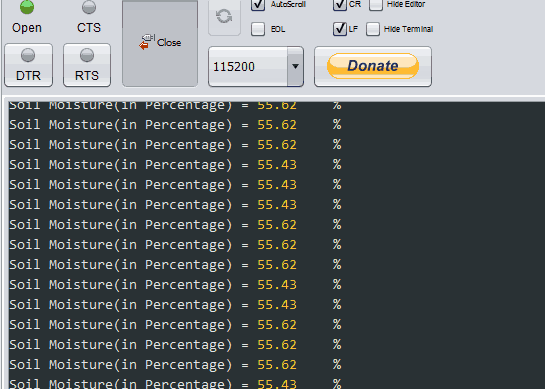
Now let’s write a program of Soil Moisture for NodeMCU using Arduino IDE
Soil Moisture Sensor Code for NodeMCU using Arduino IDE
const int sensor_pin = A0;  /* Connect Soil moisture analog sensor pin to A0 of NodeMCU */

void setup() {
  Serial.begin(9600); /* Define baud rate for serial communication */
}

void loop() {
  float moisture_percentage;

  moisture_percentage = ( 100.00 - ( (analogRead(sensor_pin)/1023.00) * 100.00 ) );

  Serial.print("Soil Moisture(in Percentage) = ");
  Serial.print(moisture_percentage);
  Serial.println("%");

  delay(1000);
}
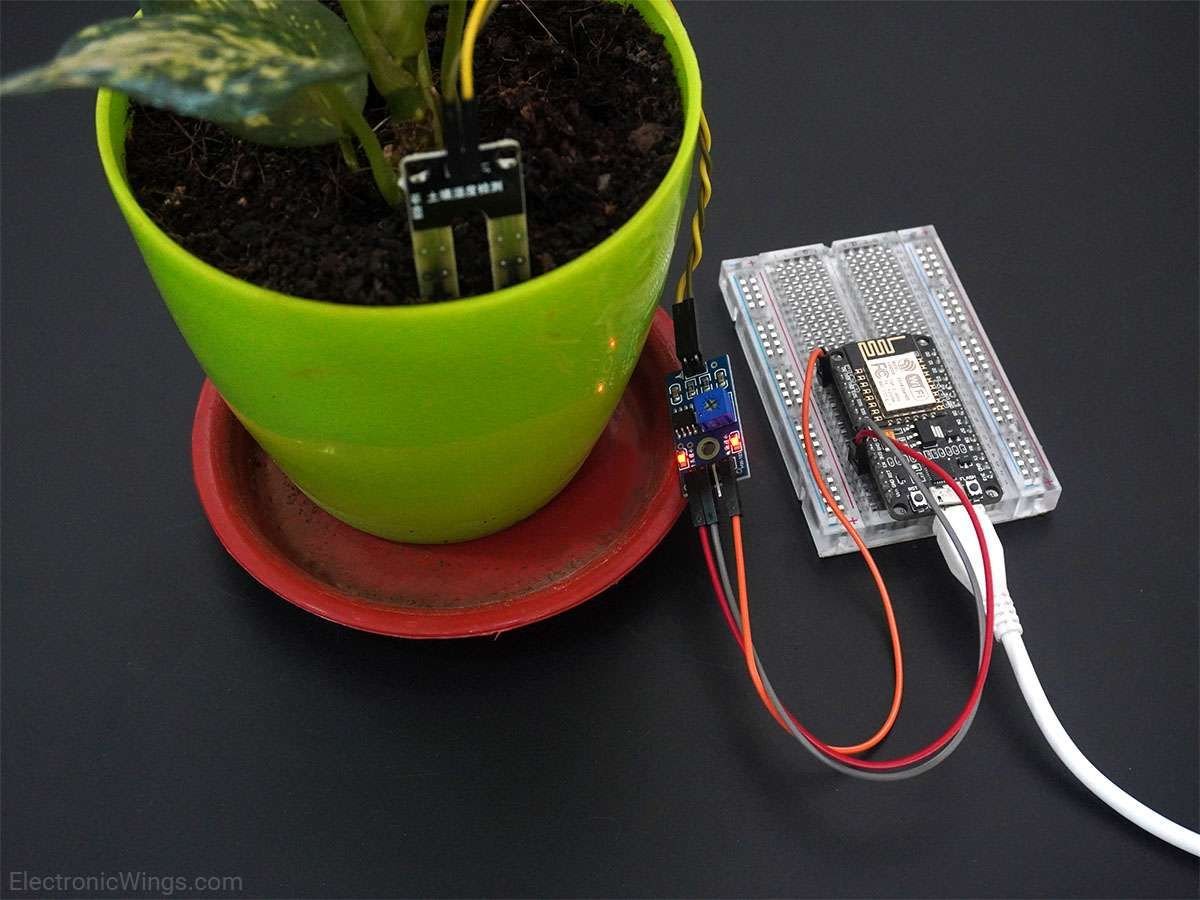
Arduino Serial Output Window
Arduino Serial monitor output window for Soil Moisture
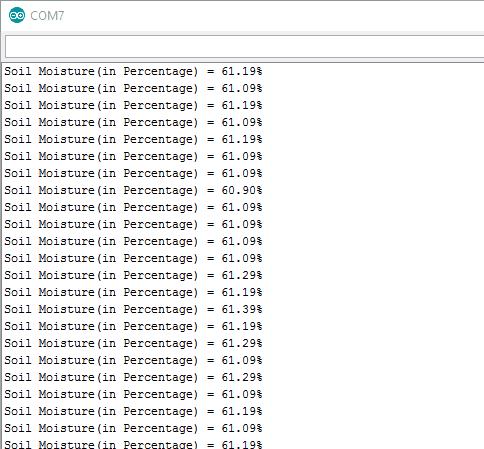
Components Used
Powered by
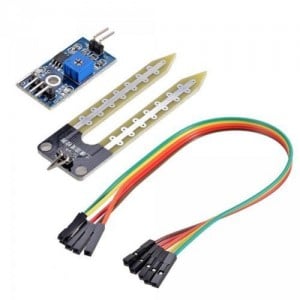
Soil moisture sensor is used to measure the water content (moisture) in soil. It is used in agriculture applications, irrigation and gardening systems, etc.
685-MO750
Downloads
Comments8
Join the discussion — share a question or tip.
- PA
I think I need to address the "while true" loop, I tried to change it to a function but it failed. Also I need to insert a topic into the mqtt publish but I get an error there too
- AU
i think you need to add soil moisture reading in temperature function in your code. after adding it will look like, function temperature() sensor_pin = 0 --moisture sensor pin index pin = 5 status, temp, humi = dht.read(pin) moisture_percentage = ( 100.00 - ( (adc.read(sensor_pin)/1023.00) * 100.00 ) )--add this --tempF = (1.8 * temp + 32) tmr.alarm(1, 100, tmr.ALARM_SINGLE, function() connectMQTT() end) end and then add moisture_percentage in your pubMQTT function
- PA
its very "hacky" to cut and paste code without knowing what I'm doing, but sometimes it works.
- PA
The code works great, but I want to push it to an NodeRed setup via MQTT. I've tried inserting some code that I know will work for a DHT to publish but I think I'm getting stuck at the "while true do" statement. I get the moisture printed to screen and it won't publish to my MQTT server. Can you give me a clue?
- PA
Replying to @lokeshc
-- Engineered by MikeV, modded by rutierut t=require("dht22") broker = "10.1.1.135" -- IP or hostname of MQTT broker mqttport = 1883 -- MQTT port (default 1883) userID = "" -- username for authentication if required userPWD = "" -- user password if needed for security clientID = "Balcony" -- Device ID GPIO2 = 4 -- IO Index of GPIO2 which is connected to an LED count = 0 -- Test number of mqtt_do cycles mqtt_state = 0 -- State control wifi.setmode(wifi.STATION) wifi.sta.config("SSID","PWD") wifi.sta.connect() function temperature() pin = 5 status, temp, humi = dht.read(pin) --tempF = (1.8 * temp + 32) tmr.alarm(1, 100, tmr.ALARM_SINGLE, function() connectMQTT() end) end sensor_pin = 0; --Connect Soil moisture analog sensor pin to A0 of NodeMCU while true do local moisture_percentage = ( 100.00 - ( (adc.read(sensor_pin)/1023.00) * 100.00 ) ) print(string.format("Soil Moisture(in Percentage) = %0.4g",moisture_percentage),"%") tmr.delay(100000); end function connectMQTT() m = mqtt.Client("Balcony", 120) m:connect("10.1.1.135", 1883, 0) m:on("connect", function(client) print("connected") pubMQTT() end) end function pubMQTT() m:publish("Balcony", "Temp: "..temp.." ; ".."Humidity: "..humi, 2, 0, function(client) print("publishing") end) end -- publish every X ms (once/minute) tmr.alarm(0, 60000, 1, function() temperature() end) -- See more at: http://www.esp8266.com/viewtopic.php?p=40268#sthash.DxnOnSjt.dpuf