Automated voice control car using esp32




Components Used
Powered by
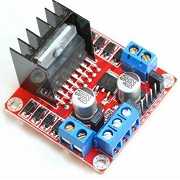
L298N is a high current, high voltage dual full bridge motor driver. It is useful for driving inductive loads.
426-DRI0009
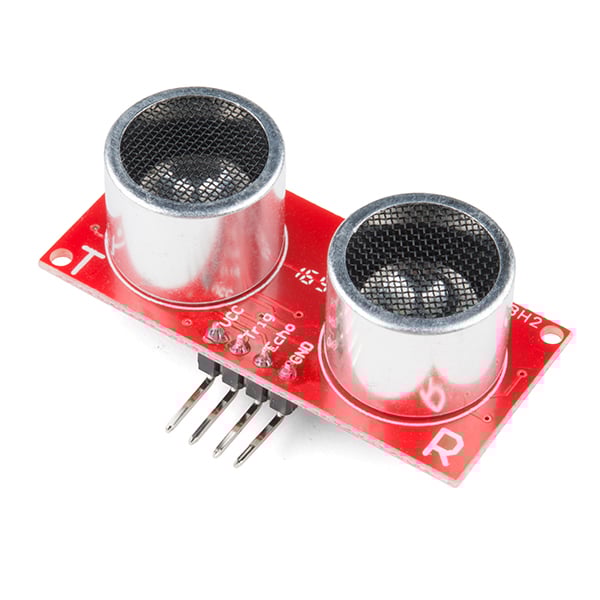
Ultrasonic module HC-SR04 is generally used for finding distance value and obstacle detection. It can operate in the range 2cm-400cm.
474-SEN-15569
Introduction
The project "Automated Voice Controlled Car" is just started with the thought of "can we do somethings for handicap people?"
This thought is the root of our project, we started the project with automated word we want to make something automated for the people and here is the result we made a automated voice control car .
we required 10 days of efforts and dedication for it ,we use hardware and software both in it and make it very easy and useful.
Hardware Used:
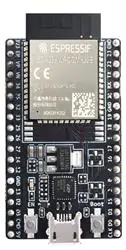
- NodeMCU – 32-bit ESP8266 development board with Wi-Fi SoC.
- Ultrasonic sensor
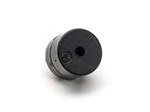
- Buzzer
- L298N DC Stepper Motor Driving Module 5V 2A For Arduino
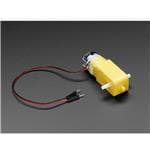
- 300 RPM BO Motor-Straight
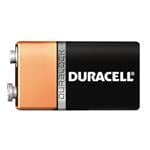
- Battery
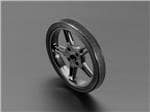
- small car wheels
we also use the four different platform.
- Firebase
- Iftt
- google assistant
- MIT app inventor.
Interfacing Diagram:
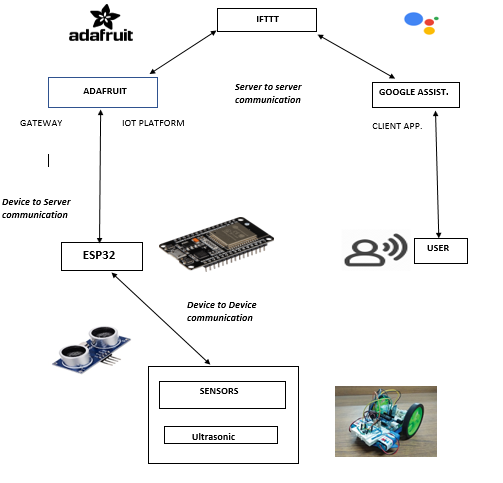
In this project we use Dc motor, Breadboard, sensor, adafruit, App Inventor and Firebase. We make a car which was handle by your voice .we give command and it works on it. The main feature of our car is it able to detect the obstacle within 50 cm and give us warring of it by sounding alarm . So the people in the car has been avoided by any injure and accident.
Process:
1.first of all for the coding of this project you need to download the Arduino software from the given link. https://www.arduino.cc/en/Main/Software
2. after installing the software you need to code the project code is given at my GitHub account you can check it by the following link https://github.com/smallawat/Automated-voice_control_car-using-iot/blob/master/PROJECT_CAR.txt
3.now you want to make one app which can handle it. I used Mit app inventor, the app is given below you can download it.
https://github.com/smallawat/Automated-voice_control_car-using-iot/blob/master/VoiceControlAI01.apk
or if you want to make your own app go on this link and make it,
http://appinventor.mit.edu
4. after making app just give the credential and Token propely in your code and compile it .
5.after compiling just check your connection of ESP32 and motor drive

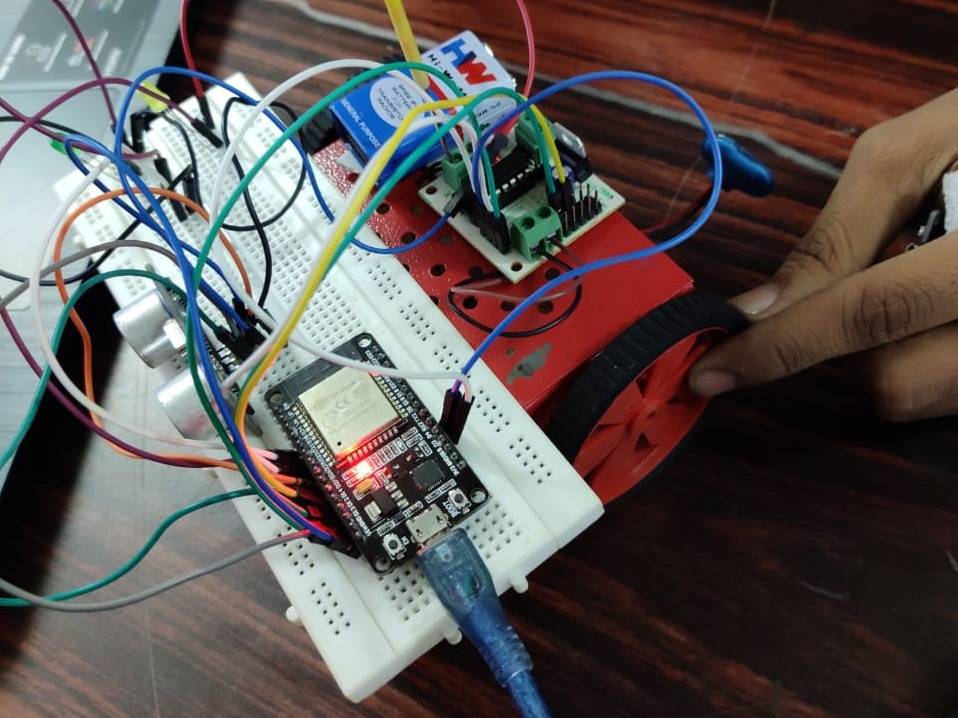
6.after setting all the connection on bread bode your car see like this
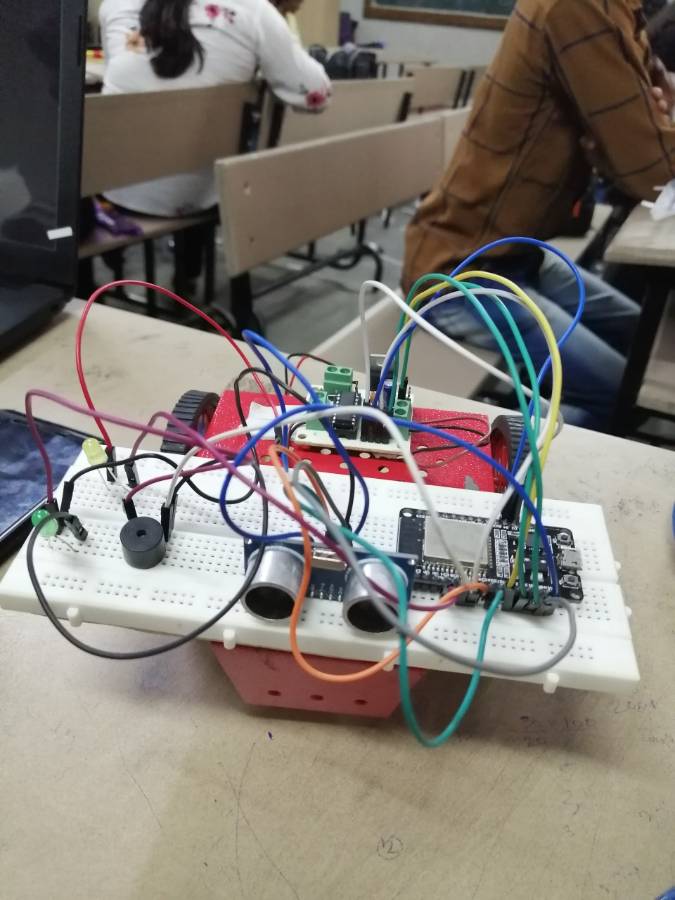
7.now you can connect your battery to your can and give command from your voice application on your mobile it was work
IEEE paper
here i also give you my IEEE paper you can downlode and go throw it. and make your paper also the link of paper is
PPT presentation of project
if you want to give the presentation on this project the ppt was also there you can reffer it by following link
if you need any thing on this project or any help you reffer my GitHub you will get all your needs on ithttps://github.com/smallawat/Automated-voice_control_car-using-iot



Comments16
Join the discussion — share a question or tip.
I have a query regarding the code What do I need to put in ssid, password, FIREBASE_HOST, FIREBASE_AUTH and where I can find these details ??
great work kudos..
informative project
wow nice one bro.
good one .....
well done team 1....
good one bro..
good project thanks for sharing
great job guys....
very sexy project
very use full project for the people who dont know how to drive ..
Very nice work sanket
Nice project
can you able to put real time controls rather depending on google assistant only ? As per i know its not reliable, assistant fails many times at runtime. also it needs good+ internet connectivity at all time which we never get in car so possibly it may increase failure rates.
thanks for reaching my project , but first go throw it I mention both the things in my app which mean you handle your car by manually also just by touch to your screen and for the real-time control I use a voice recognize apk not google assistant I just mention if you want u also use it...
thanks for support