Stop watch using arduino


Components Used
Powered by
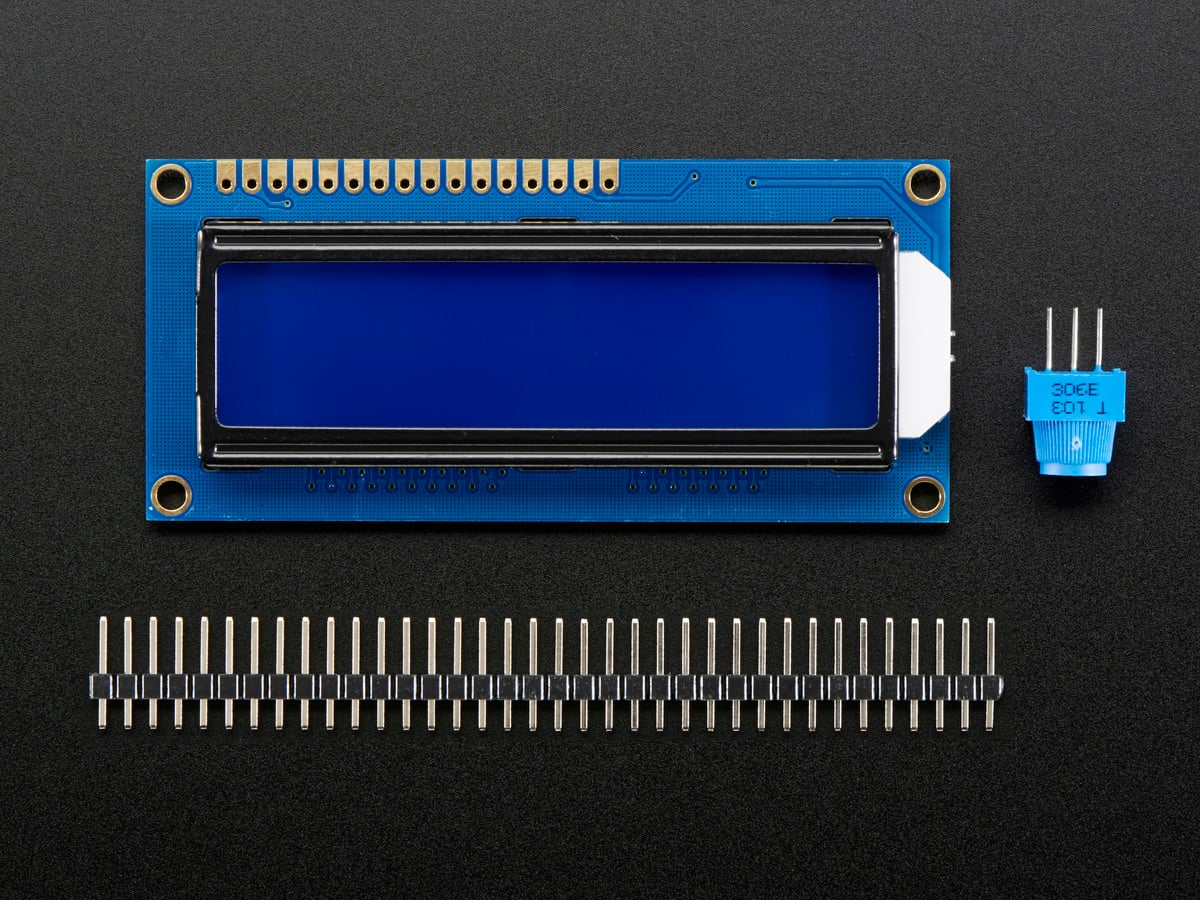
LCD16x2 has two lines with 16 character in each line. LCD16x2 is generally used for printing values and string in embedded application.
474-LCD-00255
1.Introduction:
‘Stopwatch using Arduino’ having two functions start and pause. It counts up to 23:59:59. The start button is used to start the stopwatch, pause button for pause the time. It can resume count by pressing the start button again.
2.Arduino Uno:
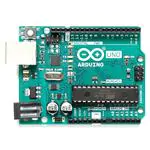
Arduino platform offers open-source hardware and software that is easy to use and is used widely for projects.
- Arduino has 14 digital input/output pins that can be used for receiving and transmitting digital data.
- Arduino has 3 ground pins, one 5V, and one 3V pin which is used for providing power to Bluetooth and relay device.
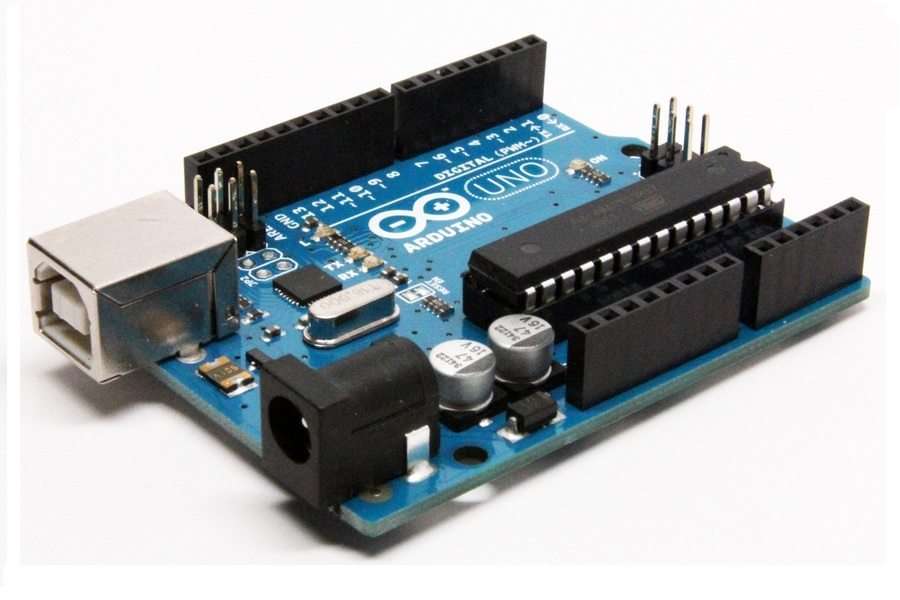
Fig1.Arduino
- Pin no 2,3,4,5,11,12 are used to interface the 16*2 LCD display.
- Pin no 8 used for getting start signal from the push on the button.
- Pin no 7 used for getting a pause signal from the push on the button.
3. 16*2LCD Display:
- It is having 16 pins from that we used 12 pins for interfacing with Arduino.
- It is having 8 data lines (D0-D7) from that we used D0-D3.
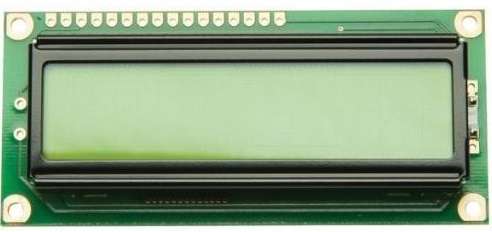
Fig2. 16*2LCD Display
4.Circuit Diagram:
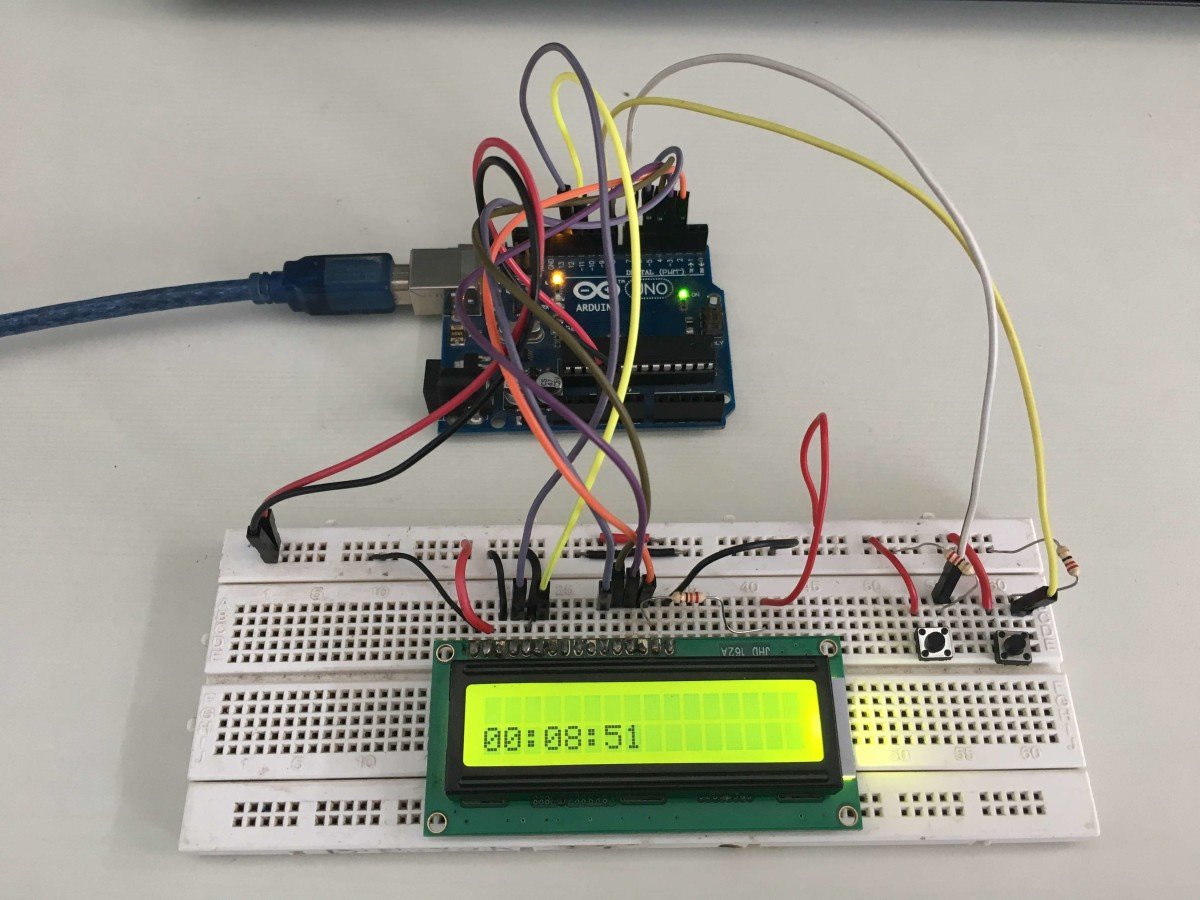
- Make the connection as shown in bellow figure.
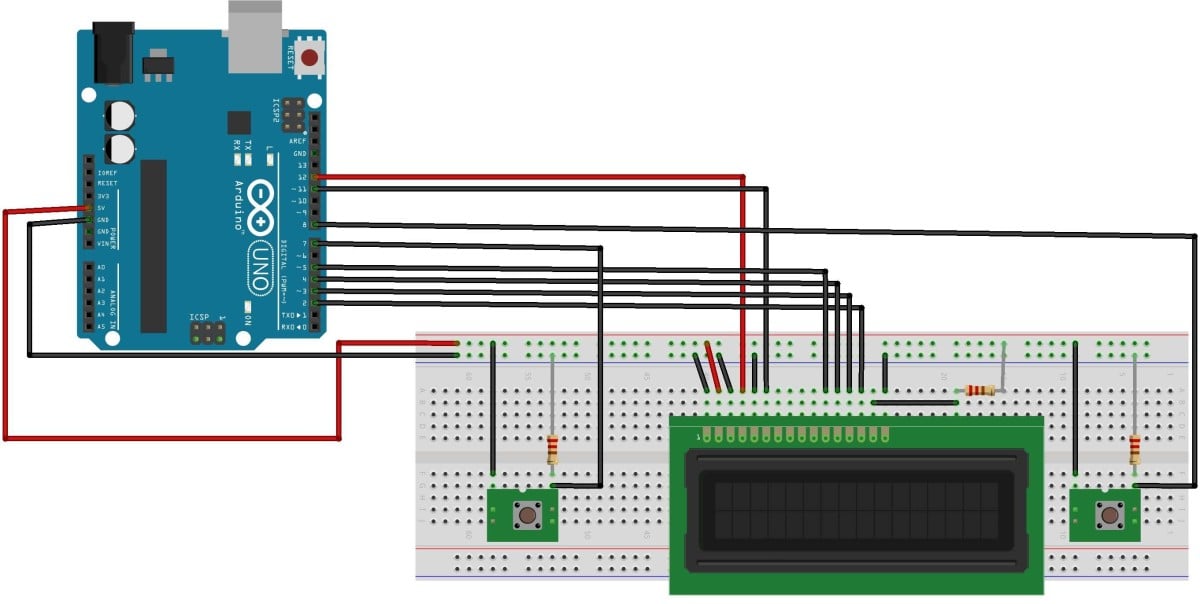
Fig3.Circuit Diagram
- Button on the right side of the display is the start button and the left side is a pause button.
- When start button press then Arduino start the stopwatch and show it on display.
- After pressing pause button time pause until the start button press.
5.Program:
#include <LiquidCrystal.h>                 //includes the library code of LCD in aurdino
unsigned long time;
long int seconds=0;
int minutes=0;
int hours=0;
int set=0;
int reset=0;
LiquidCrystal LCD(12, 11, 5, 4, 3, 2);  //RS,EN,D4,D5,D6,D7 pin of LCD respectively


void setup()
{
Serial.begin(9600);                   //initiates serial communication
LCD.begin(16, 2);     //sets the number of columns and rows
pinMode(8,INPUT);
pinMode(7,INPUT);
}

void loop()
{
//set=digitalRead(8);
//Serial.println(set);

if(digitalRead(8)==1)
{
 while(digitalRead(7)==0)
{
setClock();         //function
LCD.setCursor(0,1);     //sets the cursor to 0th column and 1st row,numbering starts from 0
{
if(hours<10)        //suppose 4
{
LCD.print("0");     //LCD first prints 0 and stopwatch shows 0
LCD.print(hours);       //LCD then prints 4. So value printed is 04 stopwatch shows 04
}
else
{
LCD.print(hours);
}
}
LCD.print(":");
{
if(minutes<10)
{
LCD.print("0");
LCD.print(minutes);
LCD.print(":");
}
else
{
LCD.print(minutes);
LCD.print(":");
}
}
{
if(seconds<10)
{
LCD.print("0");
LCD.print(seconds);
}
else
{
LCD.print(seconds);
}
}
}
}
}

void setClock()
{
seconds++;       //counts seconds from 0
delay(1000);     //a delay of 1000 milliseconds is given for each second count
if (seconds>59)
{
seconds=0;      //whenever second is greater than 59 than second is made equal to
minutes++;     // zero and a minute is counted for it
}
if (minutes>59)
{hours++;
minutes=0;
}

if(hours>23)
{
hours=0;
}
}
Downloads
Credits
Built by 2 contributors
Comments2
Join the discussion — share a question or tip.
Very good idea, but there are some code aspects that you need to improve, such as replacing LCD display statements with " LCD.print (seconds% 10); LCD.print(seconds%10); " The code will be much simpler
What resistance do you use?