BCI CONTROLLING


306

Components Used
Powered by
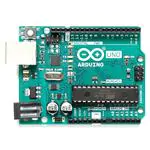
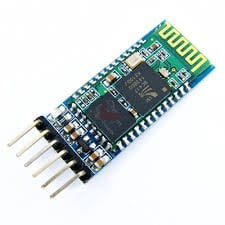
Bluetooth is a wireless communication protocol used to communicate over short distances. It is used for low power, low cost wireless data transmission applications over 2.4 – 2.485 GHz (unlicensed) frequency band.
713-113020008
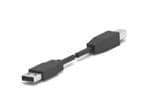
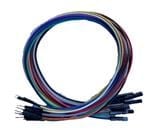
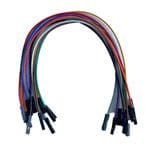

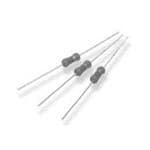
- Interfacing the mindwave mobile with an Arduino board using HC-05 bluetooth module.
- Acquiring the Meditation eSense values from the data stream.
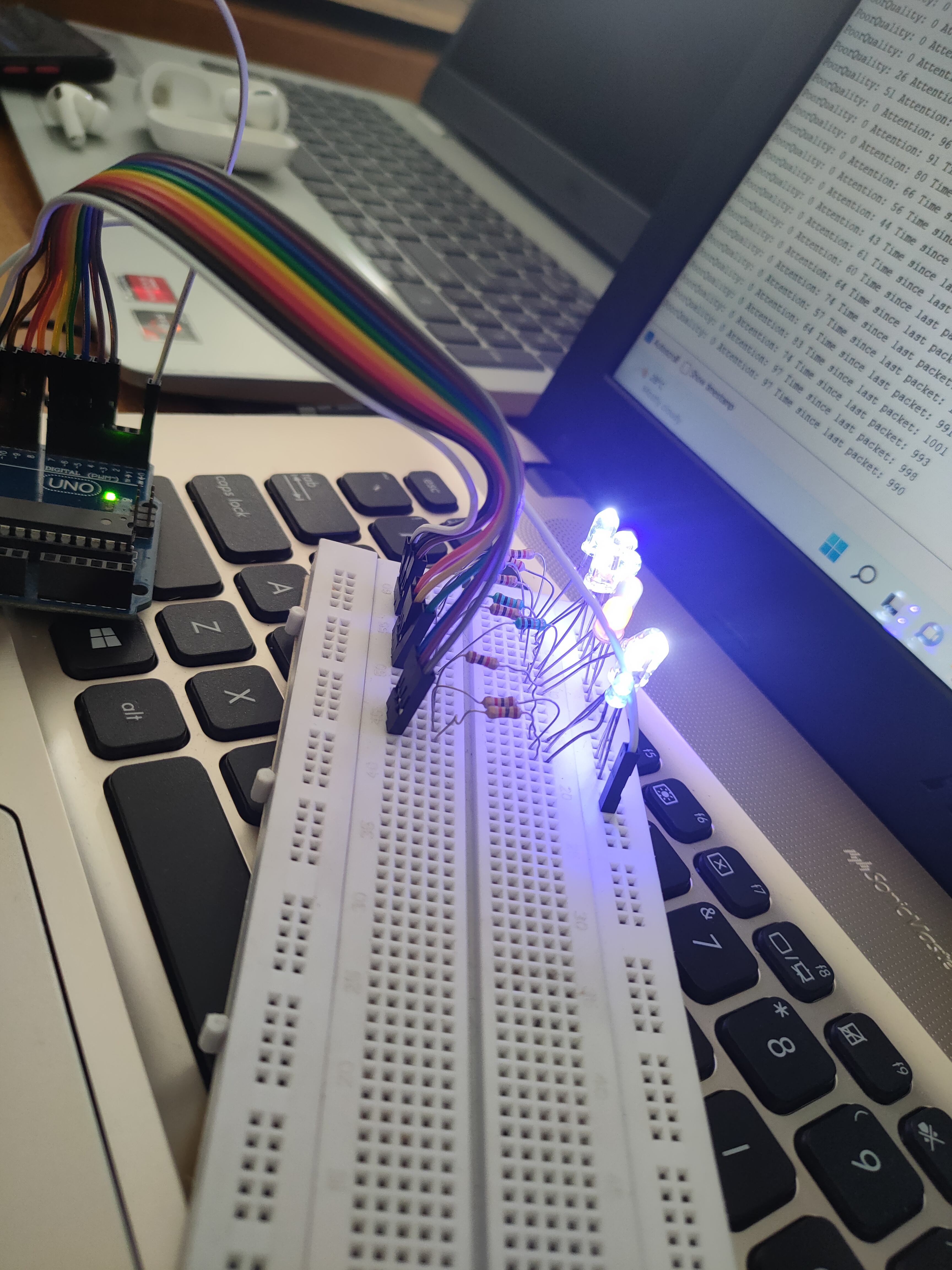
- LED controlled by Meditation level of mindwaves.
- Displaying the Meditation levels in serial monitorMindwave mobile:
.
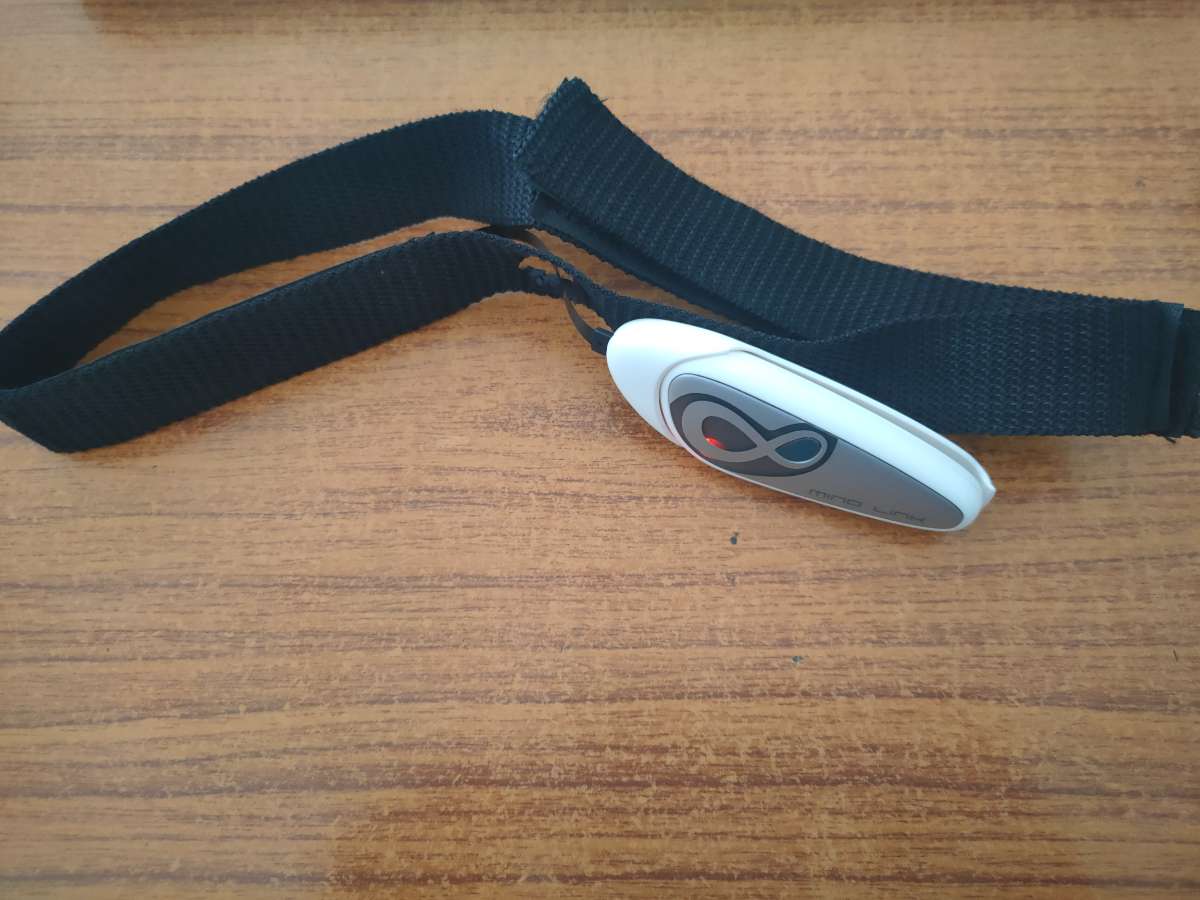
Mindwave mobile
FindIing the Unique number of your Mindwave Device:
- Select your Mindwave device
- Right click → Properties → Bluetooth Then know your Unique Identifier Number
- Note the unique number
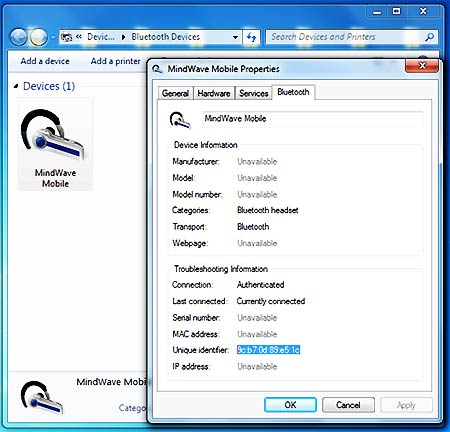
AT Commands for HC-05 module Initialize for Mindwave Kit
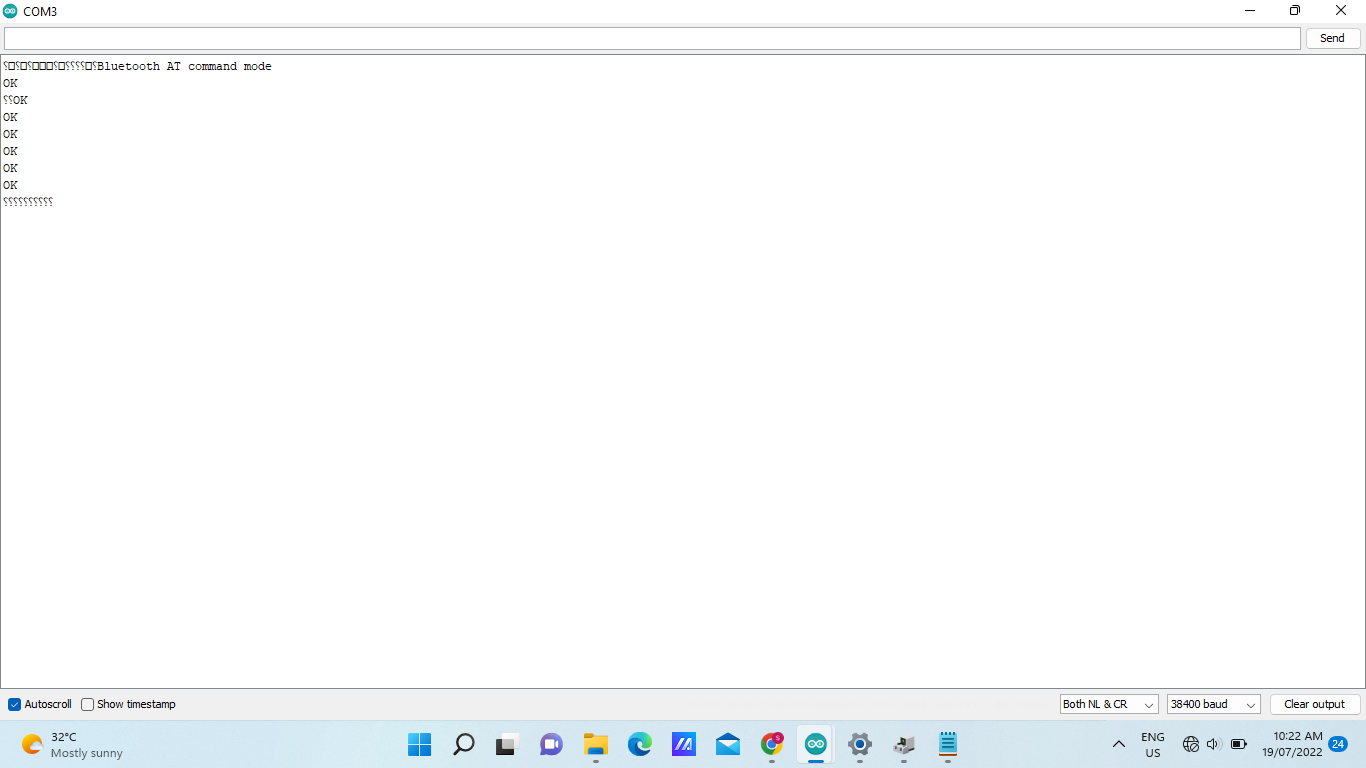
- First Enter into command mode, after then enter the following commands for HC-05 module to communicate our Mindwave Kit.
- AT
- AT+UART?
- AT+ROLE?
- AT+PSWD?
- AT+CMODE?
- AT+BIND?
- AT+IAC?
- AT+INQM?
- Select your Port and set Baudrate is 38400
- Enter the AT commands (Initialize)
INTERFACING ARDUINO WITH MINDWAVE KIT
- Switch ON the Mindwave kit and unpaired the last connections, then OFF the Mindwave device.
- Program the “Mindwave with Arduino” source code to Arduino Board using Arduino compiler.
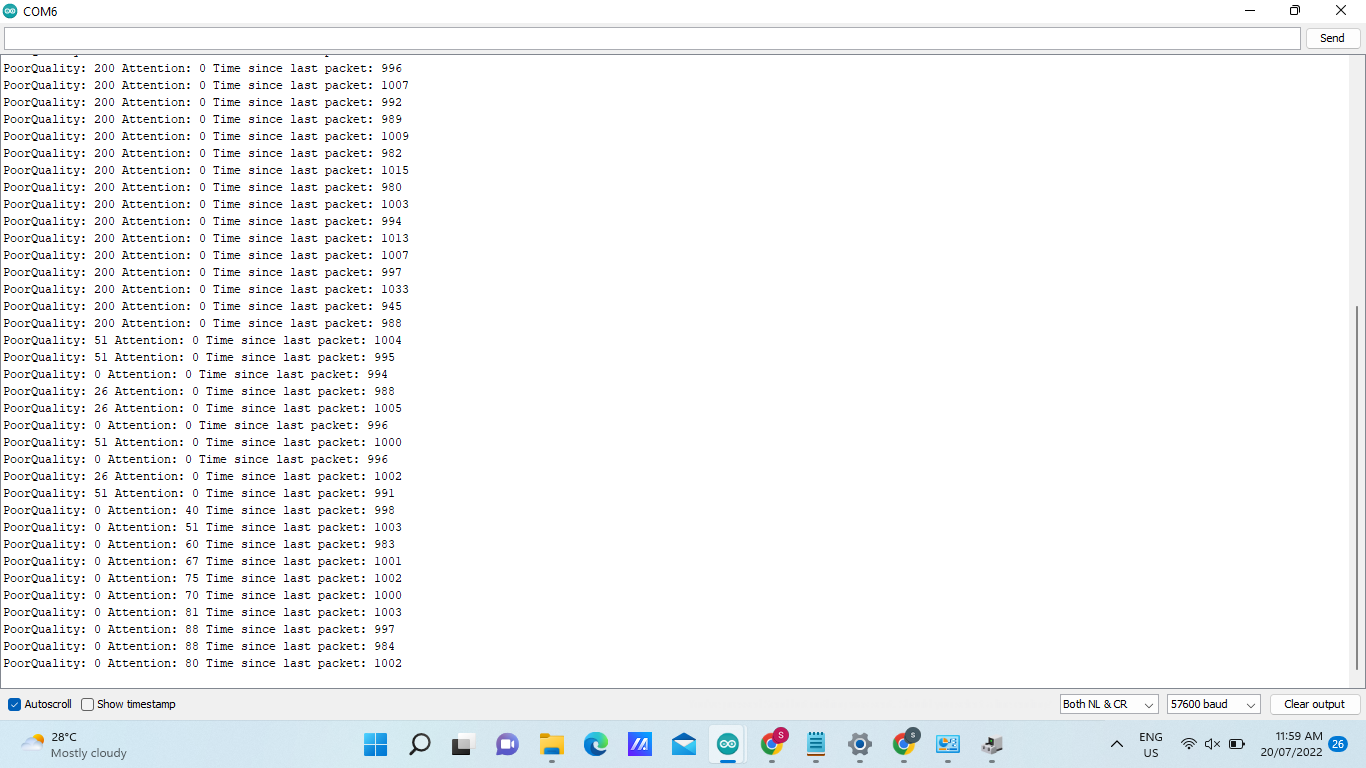
- Open the “Serial Monitor” in Arduino compiler with 57600 baudrate.
- Make all the connection and then switch ON the Arduino Board.
- After the 7 Seconds, switch ON the Mindwave device.
- Now the Mindwave device and Arduino Board will pair automatically.
- Wear the Mindwave device in Head, and give the attention.
- Check the LED variation with respect your attention level.
- And also see the Serial Monitor to know your Poor quality and attention levels.
VIDEO
Comments0
Join the discussion — share a question or tip.
Be the first to share your thoughts on this project.