Connected Collaboration The Smart Bluetooth Notice Board




Components Used
Powered by
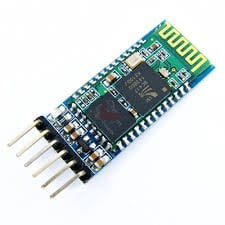
Bluetooth is a wireless communication protocol used to communicate over short distances. It is used for low power, low cost wireless data transmission applications over 2.4 – 2.485 GHz (unlicensed) frequency band.
713-113020008
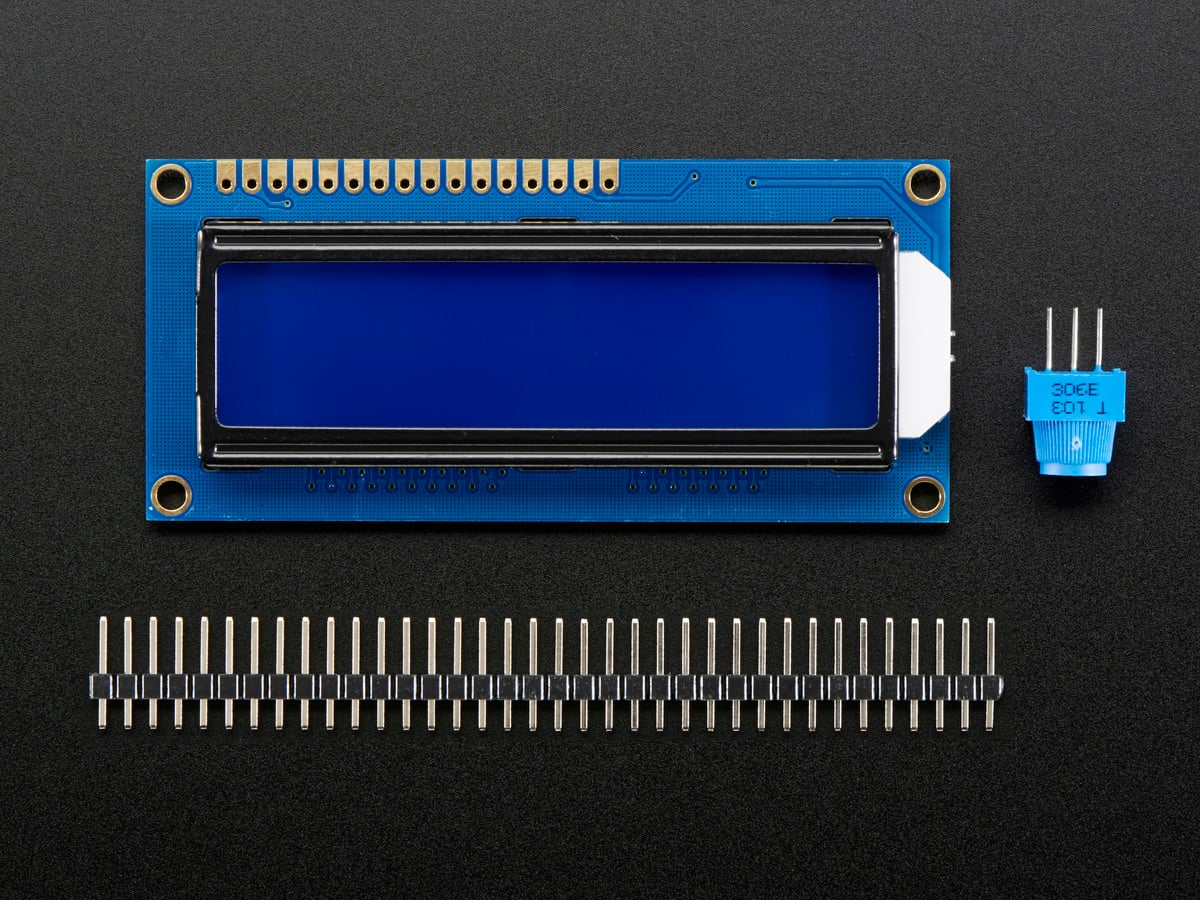
LCD16x2 has two lines with 16 character in each line. LCD16x2 is generally used for printing values and string in embedded application.
474-LCD-00255
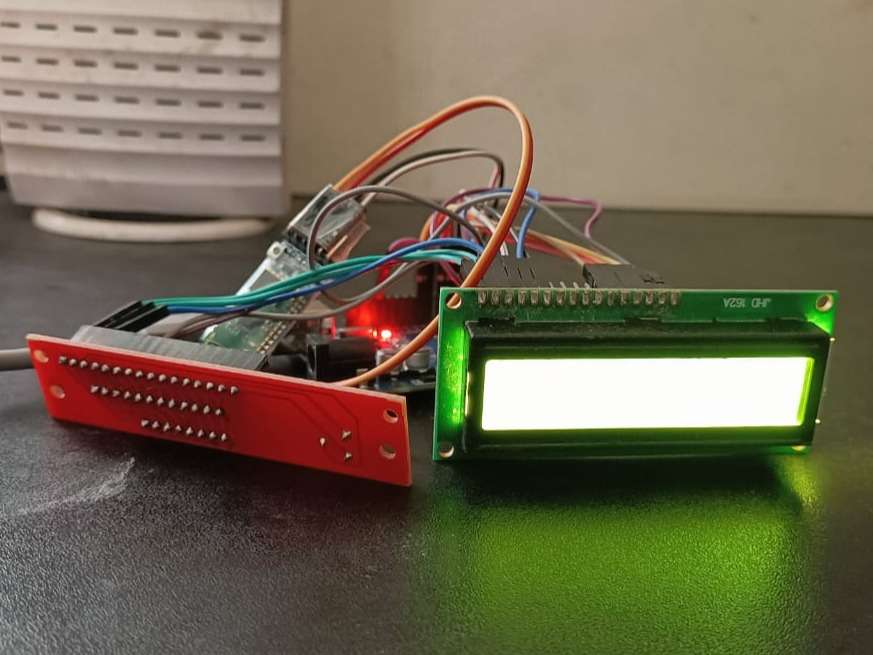
Building a Smart Bluetooth Notice Board involves a combination of hardware assembly and software integration. Here's a step-by-step guide:
1. Gather Materials: Collect the necessary materials including a display panel (such as an LCD or LED screen), a microcontroller (like Arduino or Raspberry Pi), a Bluetooth module (such as HC-05 or HC-06), wires, power supply, and a frame or casing for the notice board.
2. Assemble the Hardware:
- Mount the display panel securely onto the frame or casing.
- Connect the display panel to the microcontroller according to its specifications, typically using HDMI, VGA, or GPIO pins.
- Wire the Bluetooth module to the microcontroller, ensuring proper connections for power, ground, and data transmission.
3. Program the Microcontroller:
- Write the firmware code for the microcontroller to establish Bluetooth communication.
- Utilize libraries or APIs to enable Bluetooth pairing and data transfer between the microcontroller and connected devices.
- Implement functions to receive messages or data from the paired devices and display them on the screen.
4. Develop the Mobile App:
- Design and develop a mobile application compatible with iOS and/or Android platforms.
- Integrate Bluetooth functionality into the app to establish communication with the notice board.
- Implement features for users to compose and send messages, images, or reminders to the notice board from their smartphones.
5. Test and Debug:
- Test the hardware connections and firmware code to ensure proper functionality.
- Debug any issues encountered during testing, such as connectivity issues or display errors.
- Verify that the mobile app functions correctly and can successfully send data to the notice board.
6. Final Assembly:
- Secure all components within the frame or casing of the notice board.
- Double-check connections and ensure everything is properly secured and insulated to prevent any potential hazards.
7. User Interface Optimization**:
- Fine-tune the user interface of the mobile app for intuitive navigation and user experience.
- Implement additional features such as message scheduling, notifications, or theme customization based on user feedback and preferences.
8. Quality Assurance and Deployment:
- Conduct thorough testing of the complete system to ensure reliability and performance.
- Address any remaining issues or bugs before deploying the Smart Bluetooth Notice Board for public use.
By following these steps, you can create a functional and user-friendly Smart Bluetooth Notice Board that enhances communication and connectivity in various environments.
for video:https://youtube.com/shorts/F620bKWVcec?feature=share
Comments0
Join the discussion — share a question or tip.
Be the first to share your thoughts on this project.